Websites and Official Sources of Prompts
- Creating hallucination-resistant AI systems doesn't require reinventing the wheel. There are official, globally recognized prompt repositories and libraries created by engineers from AI companies (like OpenAI and Anthropic) and academic environments.
- Keep your knowledge constantly updated. AI tools change from week to week.
Sample
Below you’ll find specific, proven sources and ready-made, advanced factual prompt templates that you can use in your projects or include as a technology standard in your portfolio.
Prompt
tools
AI
AI Engineering For Designers
Sample
GitHub
Official documentation from the developers of ChatGPT. There you’ll find an entire section dedicated to hallucination reduction tactics (e.g., how to provide reference text and how to force the model to cite sources)
LangChain
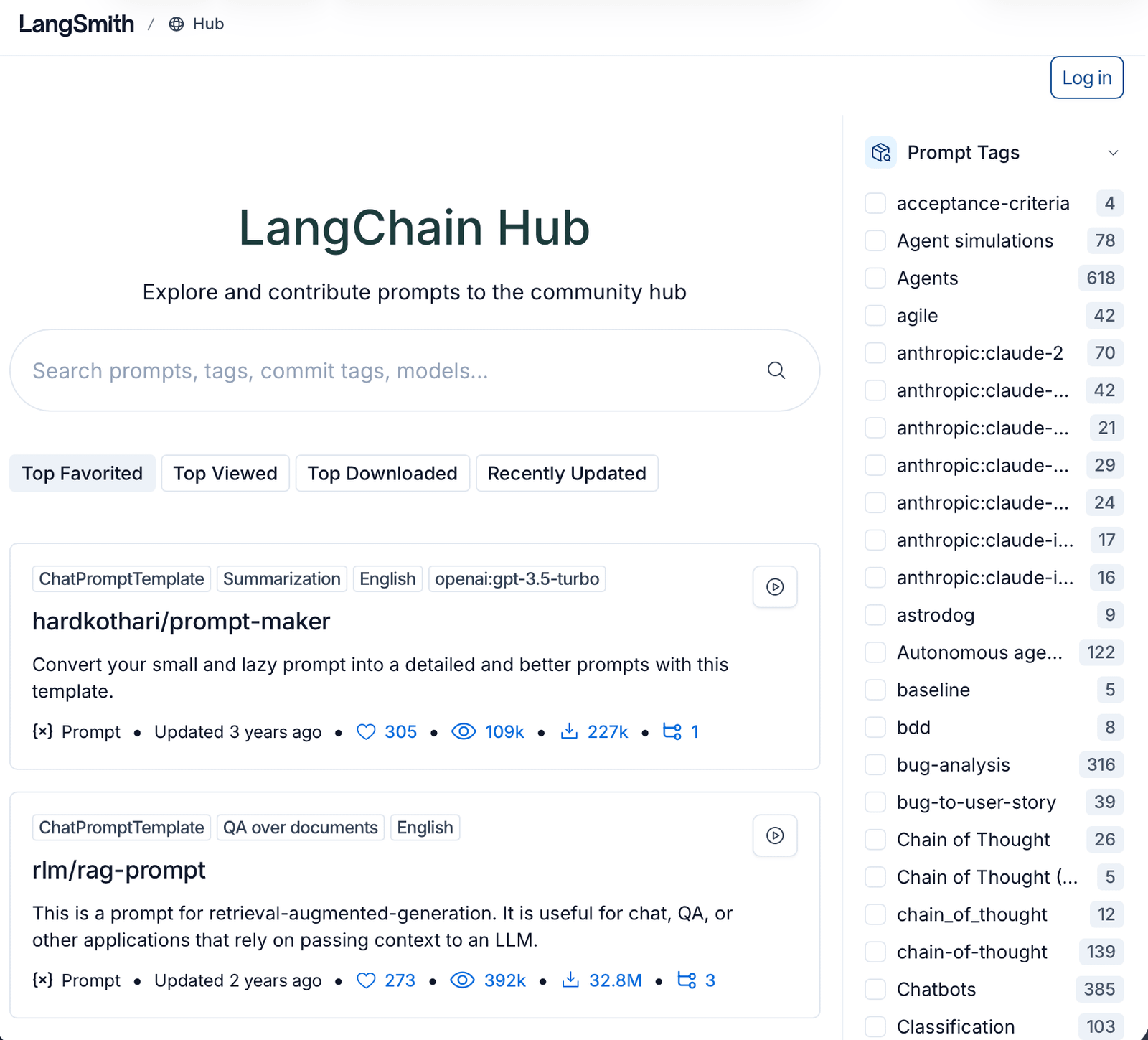
A repository for AI developers and designers. This is a massive database of prompts used in real commercial applications. Search for prompts with the tags #rag (Retrieval-Augmented Generation) or #fact-checking.
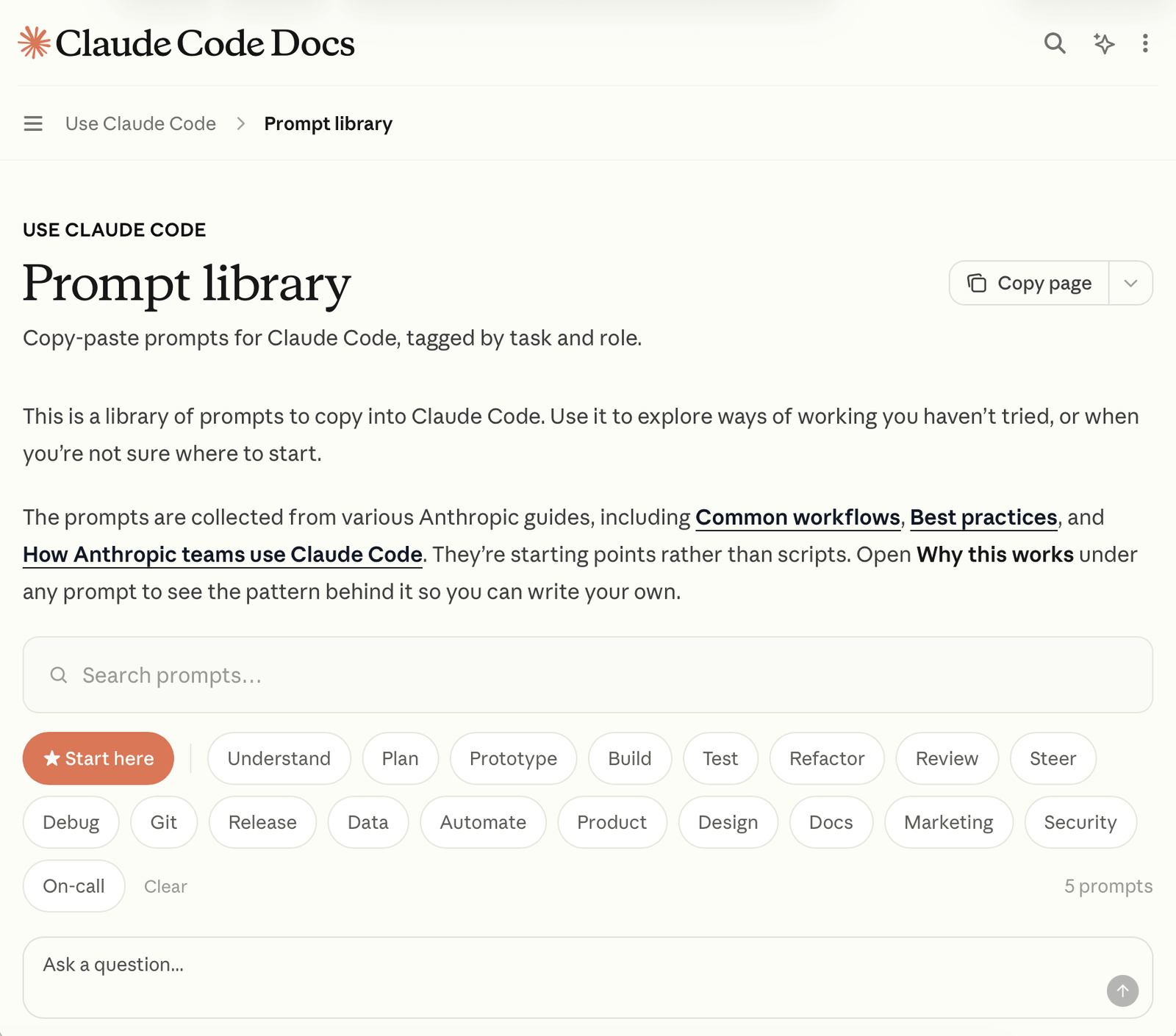
Cloude Library
The official library of pre-built prompts and templates for Claude Code. Helps developers automate code writing, testing, and bug fixing through precise text commands based on Anthropic best practices. Worth to check.
Anthropic
This article explains the concept of “context engineering,” or the optimal management of memory and provided to AI models. Presents techniques such as conversation compression and note compression that increase the effectiveness of autonomous agents.
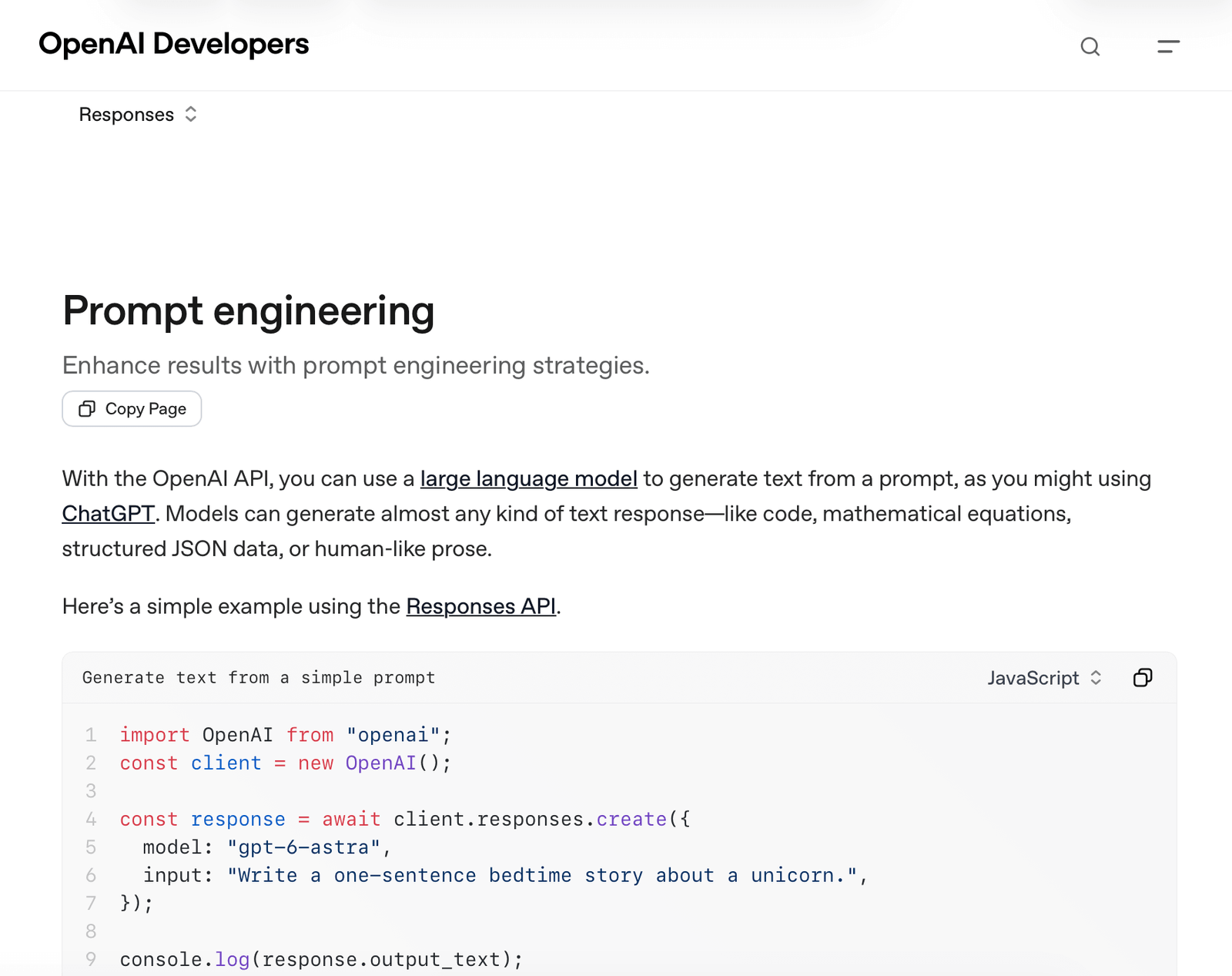
Open AI
The OpenAI website explains how to effectively write prompts, or instructions, for artificial intelligence. It covers techniques, Markdown and XML formatting, code examples, and the differences between language and reasoning models.
Lang Smith Hub
This is a public platform for discovering, testing and sharing ready-made prompts. It allows developers to easily manage manual versions and quickly deploy them in LLM applications. It explores and contribute prompts to the community .
Techniques and commands that can reduce hallucinations in prompts
If you're building an AI system or testing models yourself, you can use specific formulas that force the AI to stick to the facts.
* Step-by-step analysis (Chain of Thought): Forcing the AI to think logically before providing a result reduces the risk of error.
COMMAND IN PROMPT: "Analyze the problem step by step, extract the facts from the document, and only then formulate a final answer."
Prompt
LLM
real
is
- Consent to ignorance is the main principle: LLM models by their very nature want to please the user, so when they don’t know something, they make it up. You have to tell them not to.
- COMMAND IN PROMPT: “If you don’t know the answer based on the materials provided, say honestly, ‘I don’t know.’ Under no circumstances should you invent facts or sources.”
- Prompt based on Context RAG (Retrieval-Augmented Generation): This is the most powerful method. You give the model a specific document and tell it to look only for answers within that document.
- COMMAND IN PROMPT: “Answer the user’s question solely based on the legal agreement text below. If the answer is not directly in the text, state that the document does not mention it.”
What is LLM - Large Language Model
LLM is a type of artificial intelligence trained on
massive amounts of text data. It can understand, generate, and translate human language (examples of LLM include the models powering ChatGPT, Google Gemini, and Claude).
Why is this important for a UX Designer ?
LLM doesn't work like a traditional program. A traditional application always produces the same result after clicking a button. LLM is unpredictable and may answer the same question differently each time. The UX Designer's task is to design an interface ( chat, suggestion system, form) that helps the user manage this unpredictability.