











Designing Against AI Hallucinations: UI/UX Patterns Every Designer Needs to Know

Artificial intelligence, and in particular Large Language Models (LLM), are revolution in digital world. However, they have an inherent flaw: hallucinations – generating false information with absolute certainty.

As UI/UX designers, we can’t control the mathematical code of an algorithm, but we can control the interface that protects the user from error.

AI
clean model | this

Here are 3 proven design UX/UI patterns that reduce the effects of hallucinations and build trust in AI systems.

1. The Confidence Score Component

Never present AI data as absolute truth. If your system analyzes technical drawings, user experience documentation, or legal texts, include a visual indicator of the model's confidence level. How to design it: Next to the generated response, place a micro-component (example: a tag or small circular chart) indicating the system's confidence level: "AI Confidence: 94%. UX rule: If the confidence level drops below 75%, the interface should automatically change the warning colour (example: yellow) and add the message: "This detail requires human verification"

2. Visual Anchoring and Contextual Citations

The best way to prove that AI isn't lying is to show the user the source. How to design it: Instead of presenting dry text spat out by the model, design an interactive annotation system (similar to Wikipedia). Clicking the small source icon next to a generated sentence should immediately open a sidebar (split-screen) with the original PDF file, highlighting the exact line of code, building code, or contract paragraph from which the AI ​​derived its knowledge. UX principle: Transparency eliminates the fear of hallucinations. The user doesn't have to trust the model because they can verify it in 2 seconds.

3. Restricting Data Entry

Proactive Input Constraints means that most hallucinations are created when a user enters a chaotic, unclear prompt. A free text area is often the enemy of good UX. How to design it: Reduce the need to write advanced prompts. Design an interface based on filtering components, parameter sliders, and suggestion tiles. Add thematic tags. UX principle: Controlled input means controlled and safe output from the AI ​​engine.

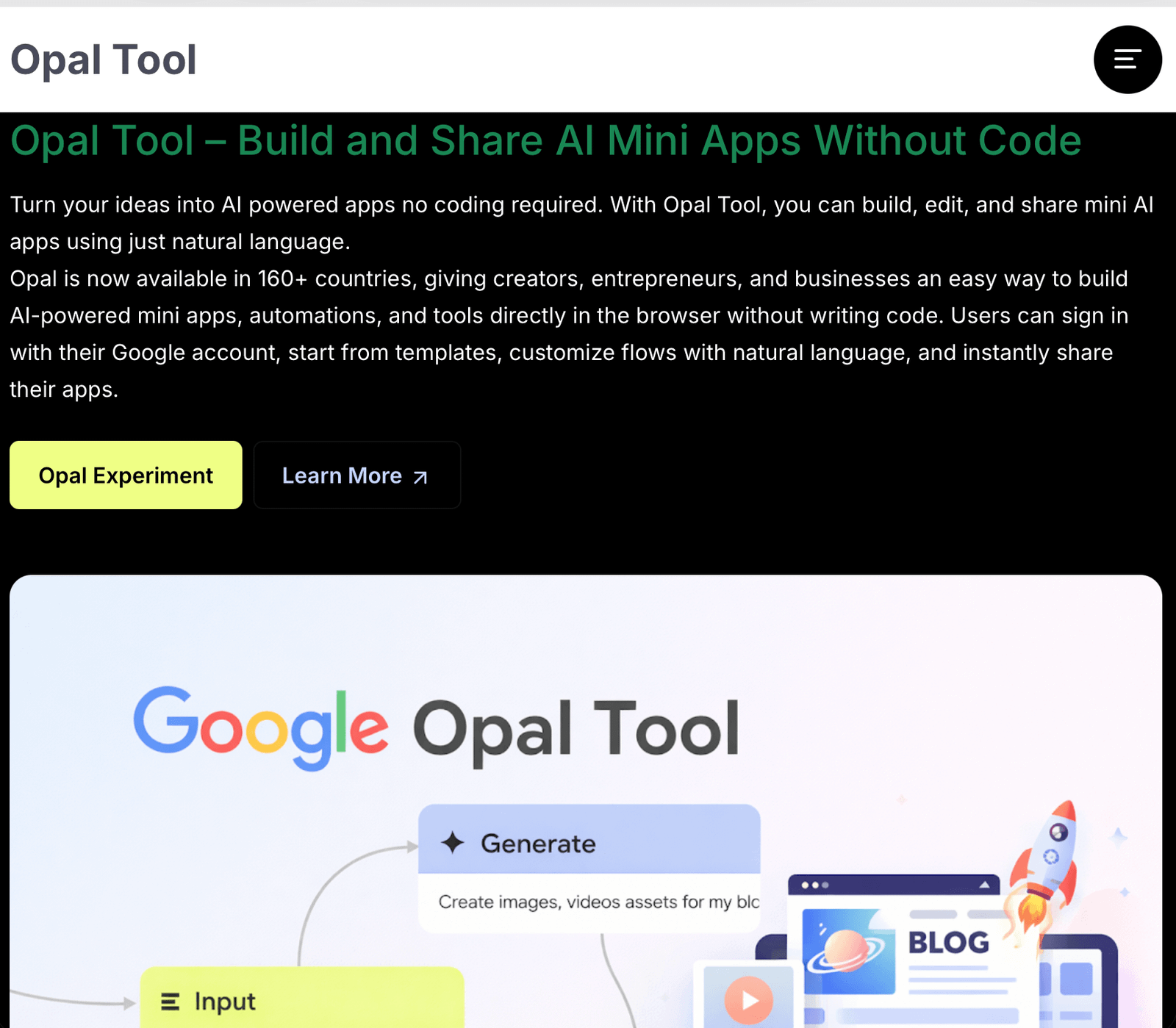
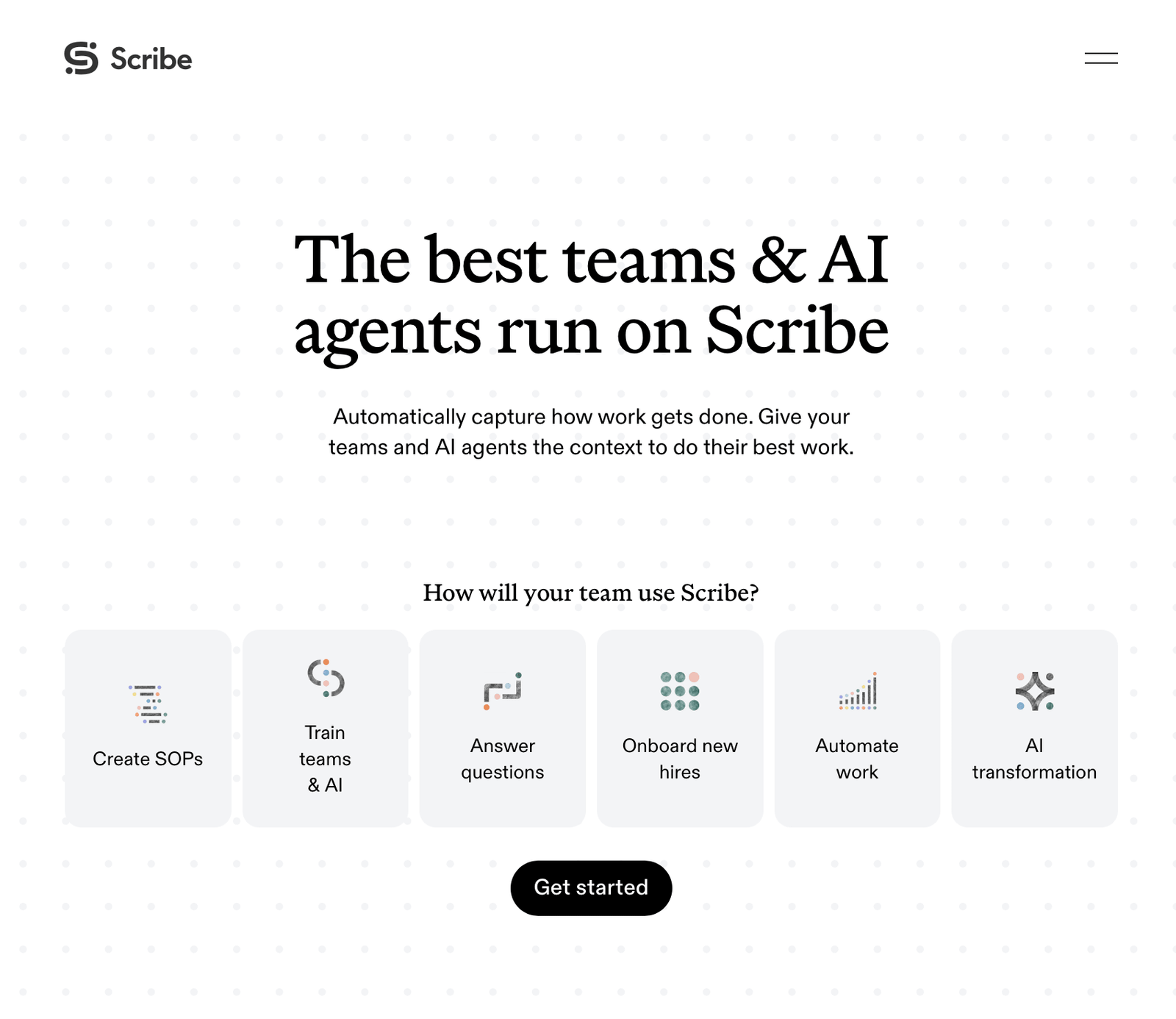
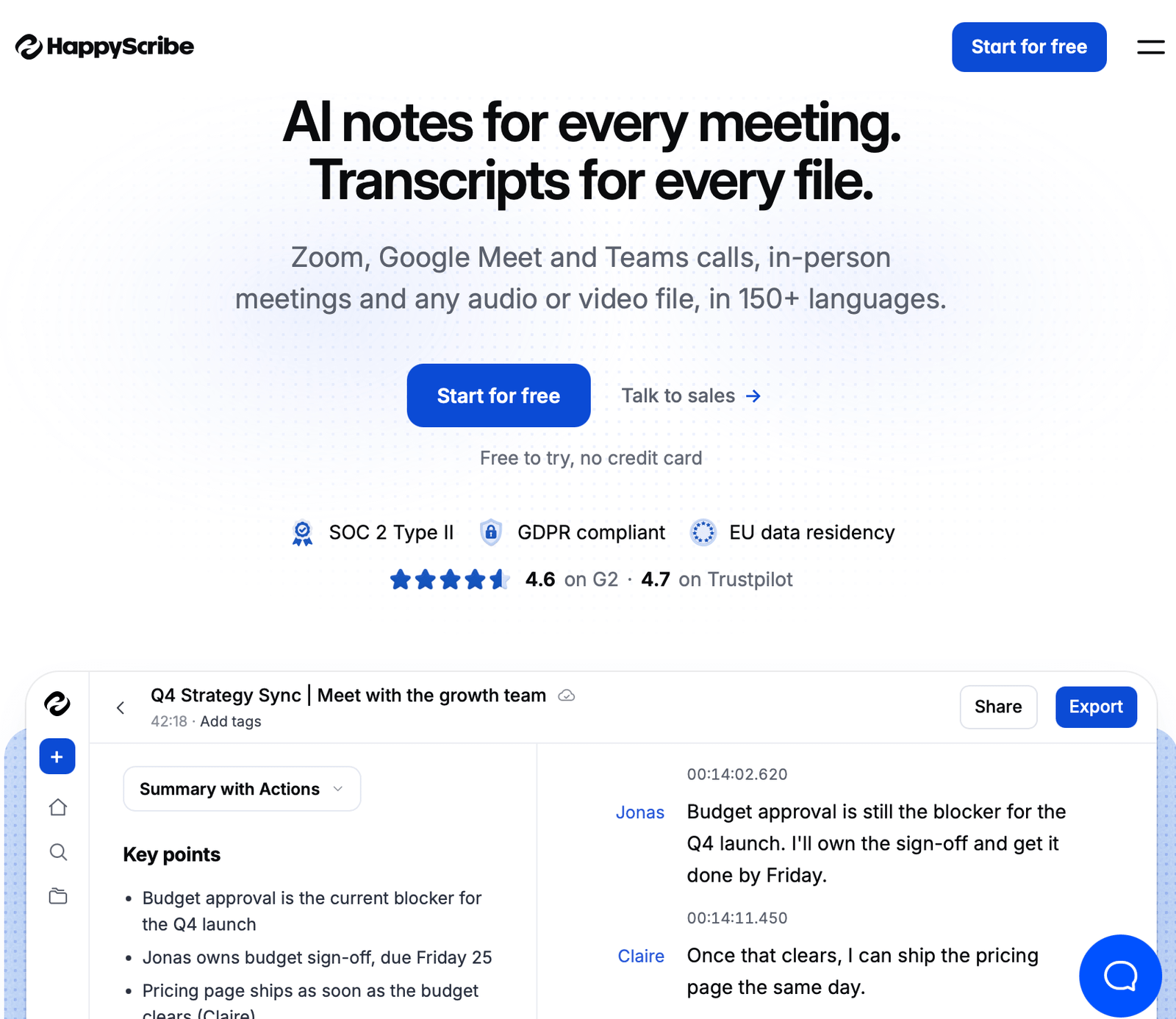
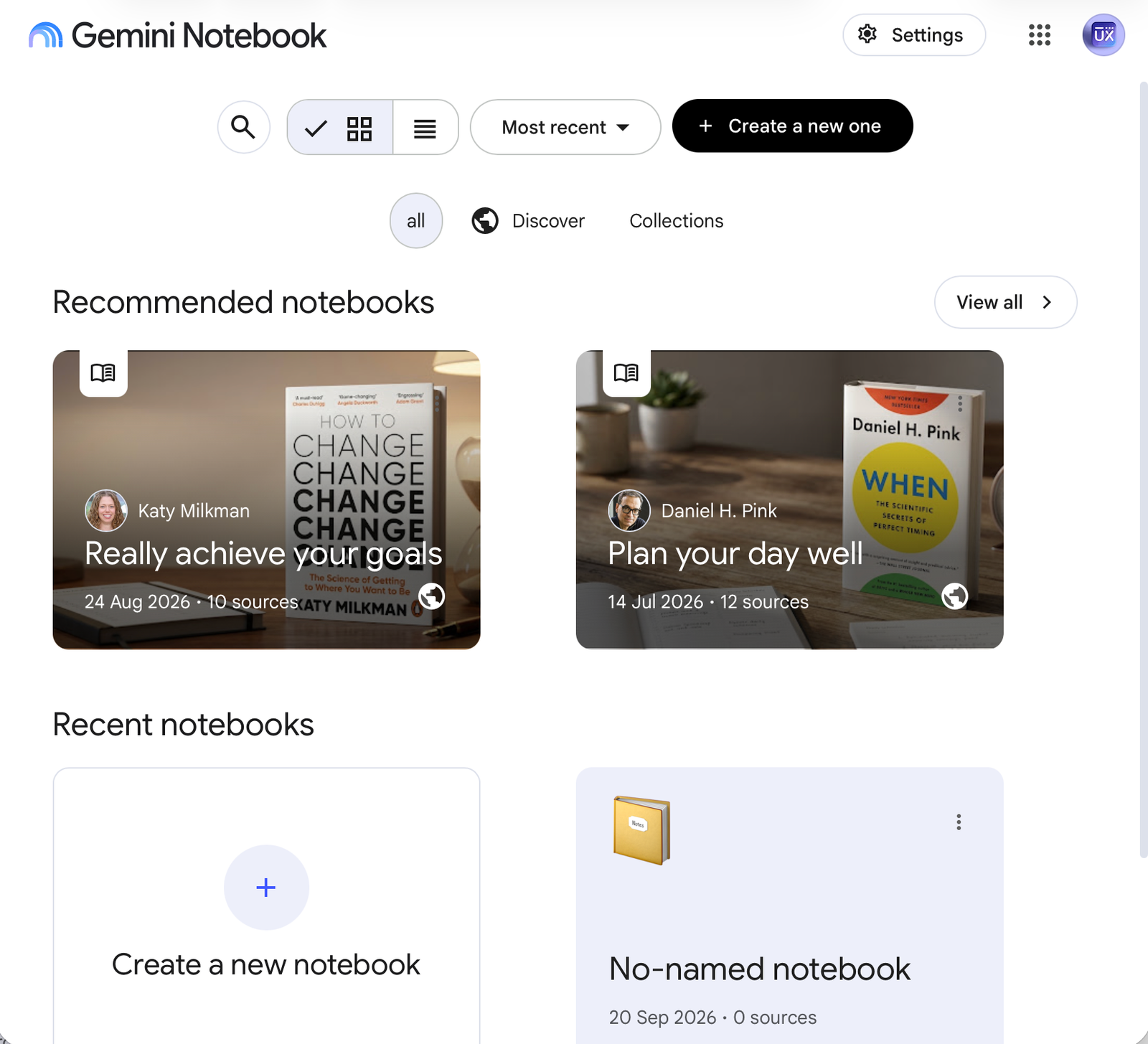
Effective AI tools for UX/UI Designers

Summary for designers:
In the AI ​​era, the role of the UI/UX designer is shifting from designing static screens to designing trust protocols. By implementing the above patterns, you ensure your application becomes a secure and predictable business tool.

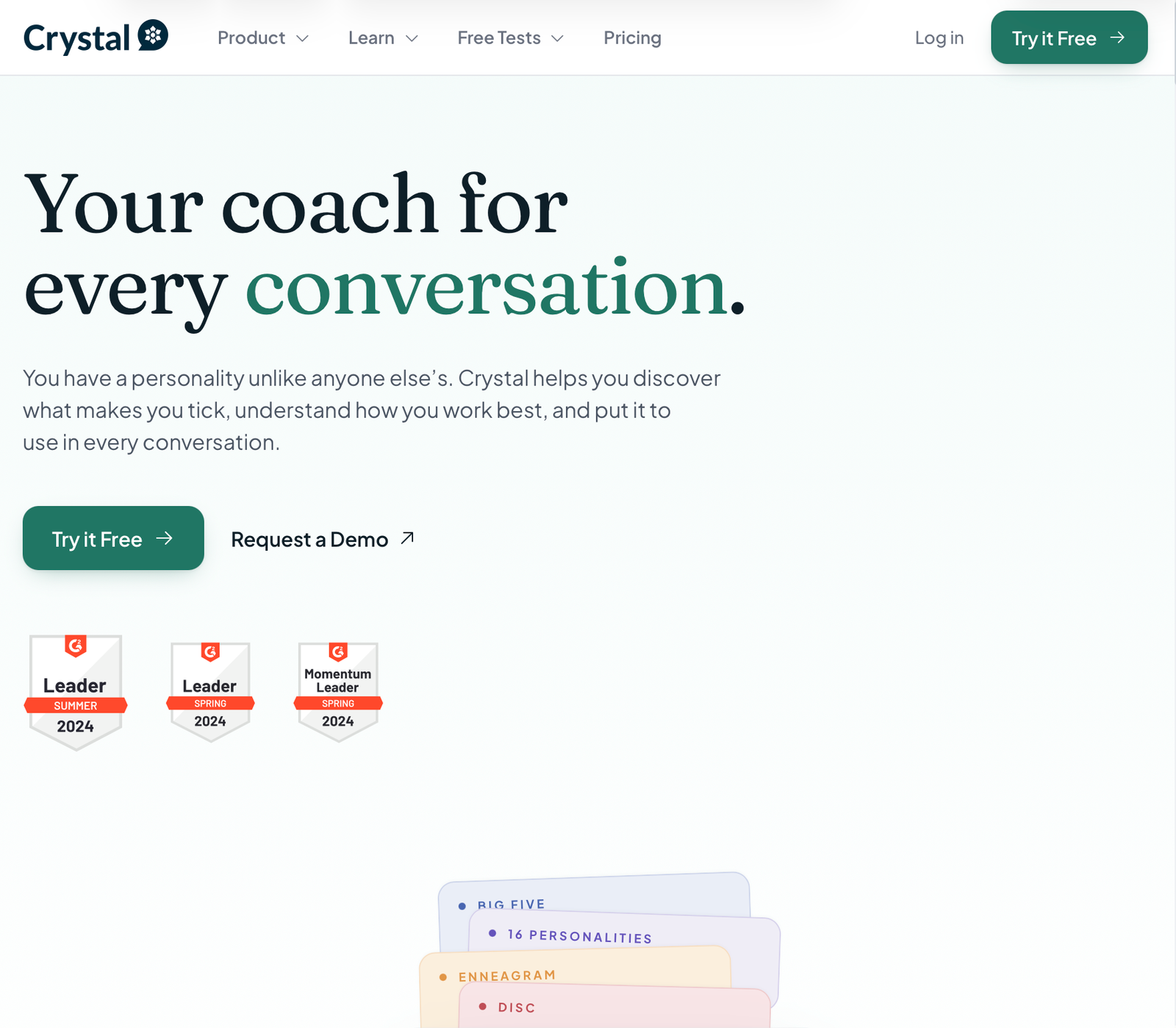
Crystalknows

It is an advanced analytical platform based on AI that is used to map personality profiles and adjust communication style. It provides powerful support in research and communication processes like deepening empathy map when creating Personas, User Interviews.

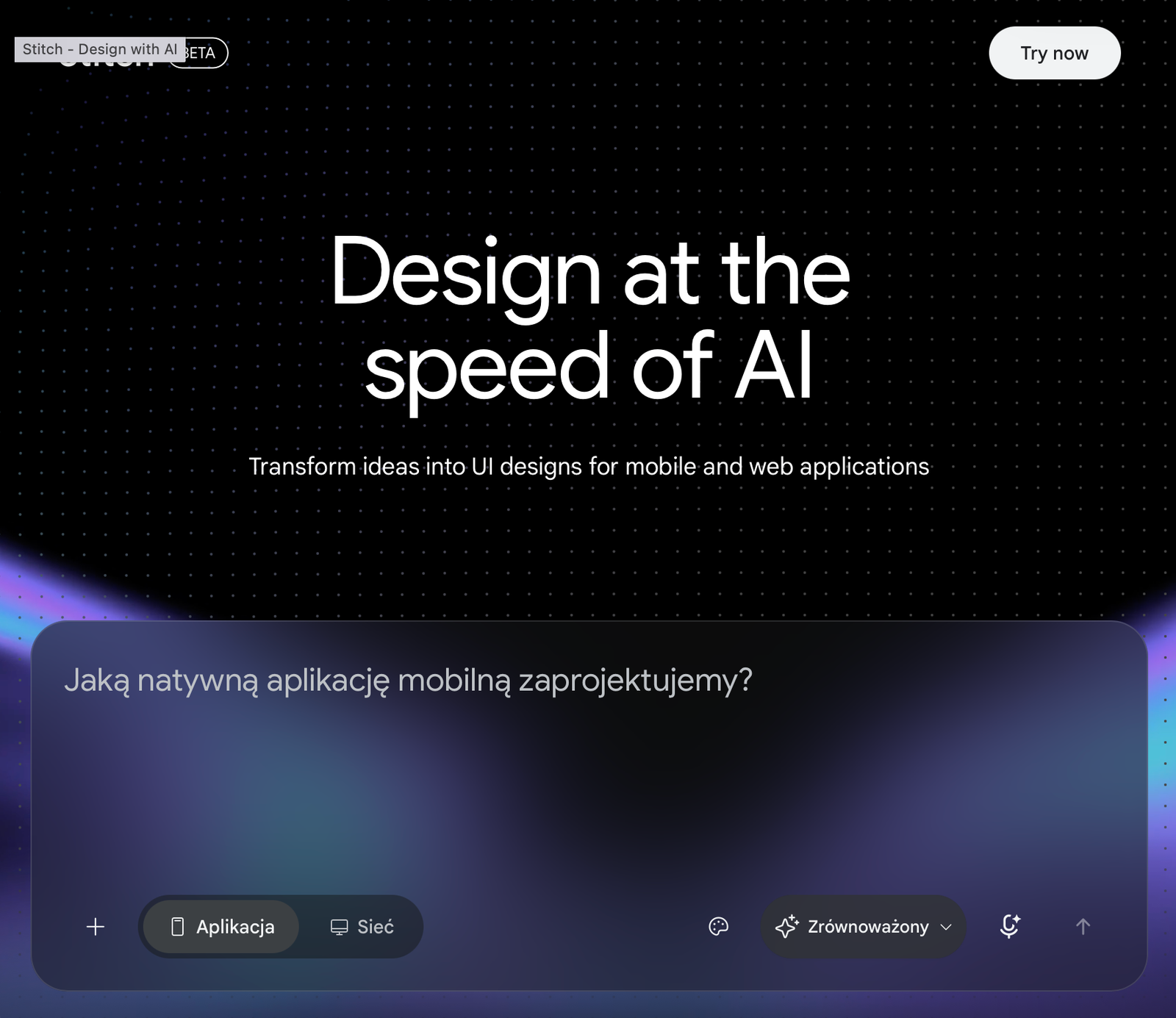
Stitch

The platform is based on models from the Gemini family and allows you to quickly generate mockups of websites and mobile applications based on text descriptions, sketches, voice commands or screenshots. It offers interactive prototypes ready for export to code or Figma.

Zapt ai

It is an advanced no-code/low-code platform powered by AI that allows you to quickly create, deploy, and modify fully functional web and mobile applications based on text descriptions. This platform is useful for creating high-fidelity functional prototypes.