







Compendium and Proven Prompts
Effective Development Workflow with AI:
From Prompt to Production Code
Artificial intelligence has become a staple in software engineers daily work. However, mindlessly pasting code into a chat window leads to technical debt and difficult-to-detect logical errors.
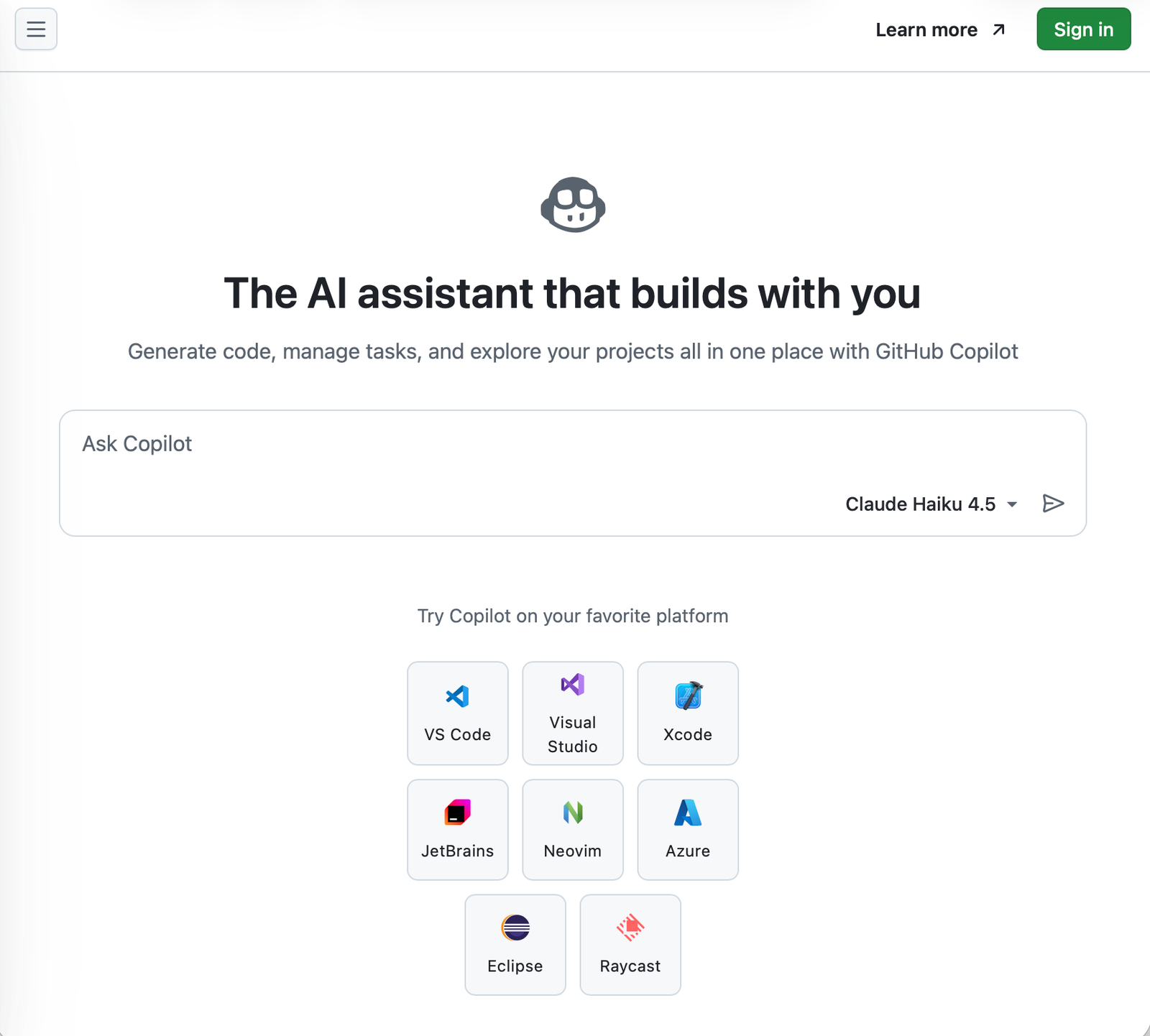
- Modern AI systems that support coding (e.g., GitHub Copilot, Cursor, or v0) work most effectively when you provide them with the precise structure and constraints of your application architecture.
- To effectively use models in commercial projects, it is crucial to understand concepts such as Context Window and hallucination generation mechanisms.
A modern technology stack supported by artificial intelligence
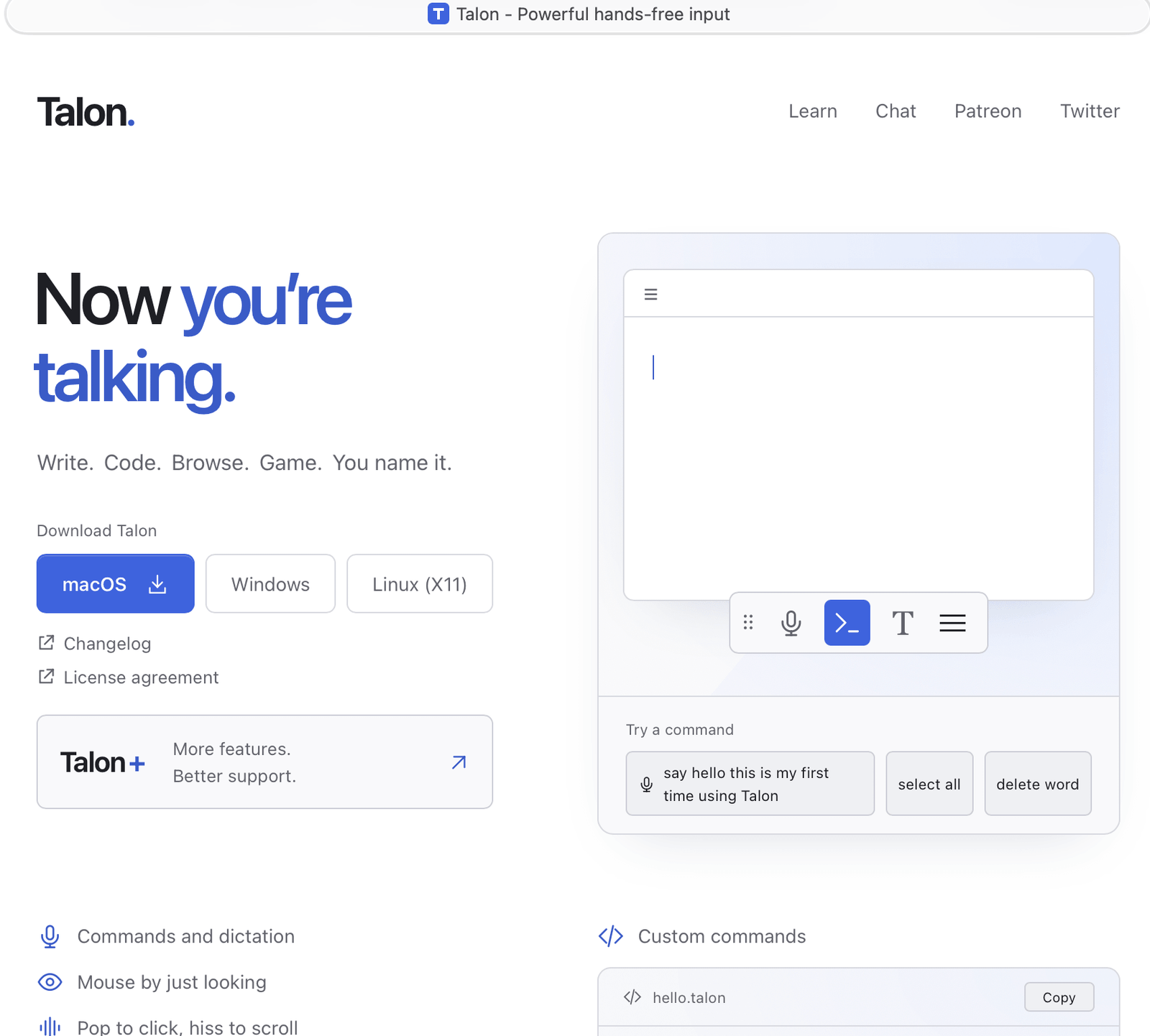
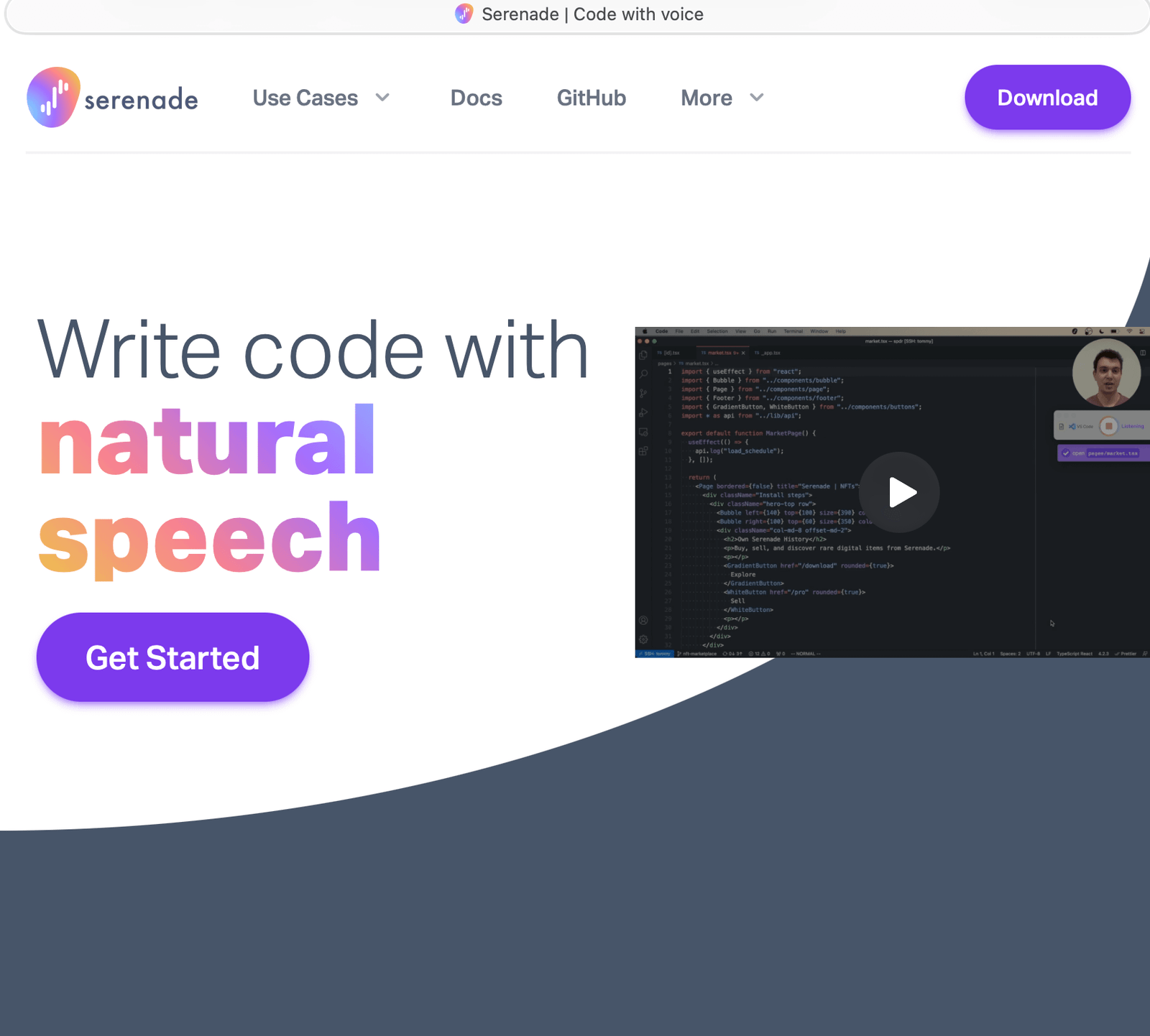
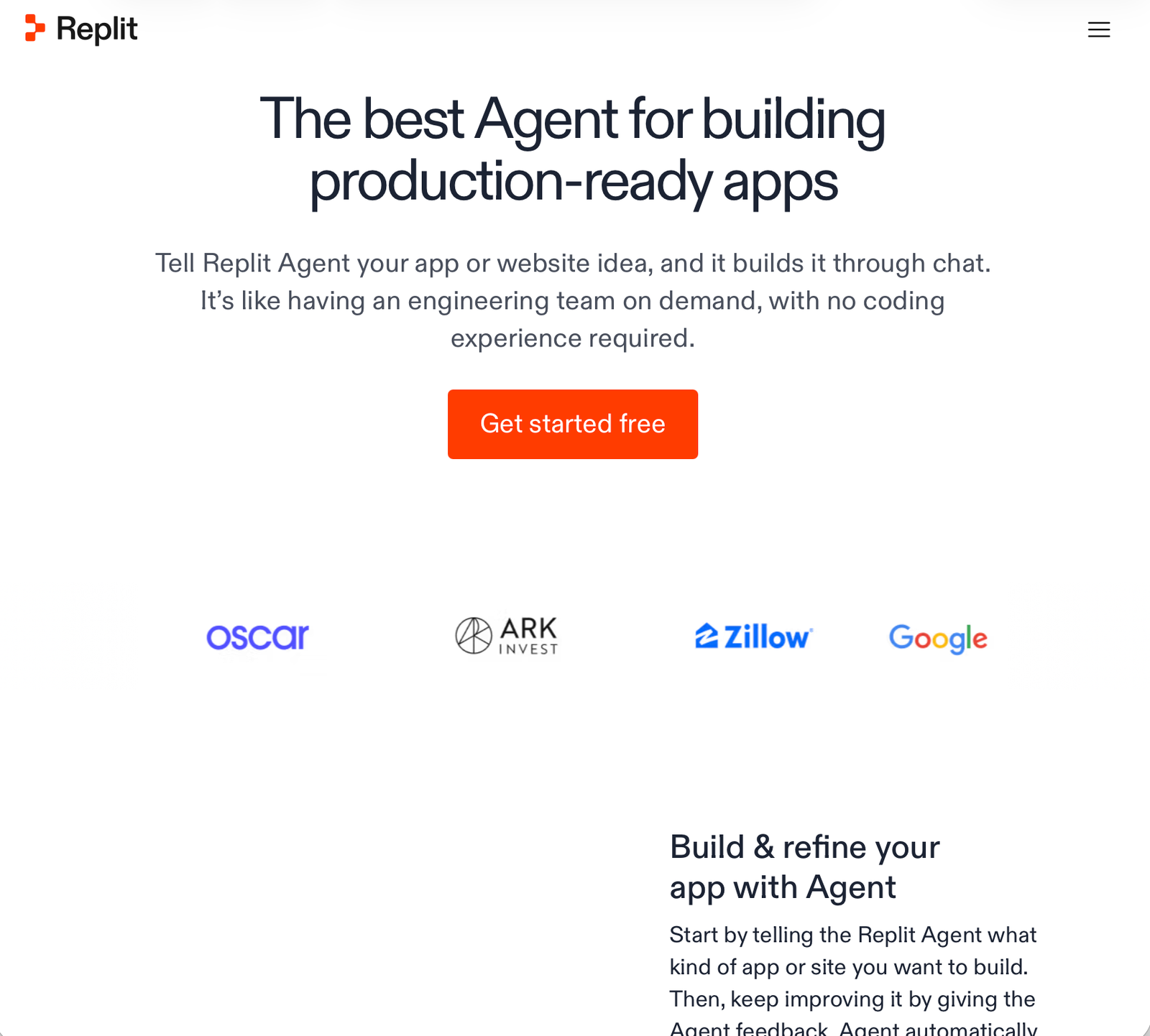
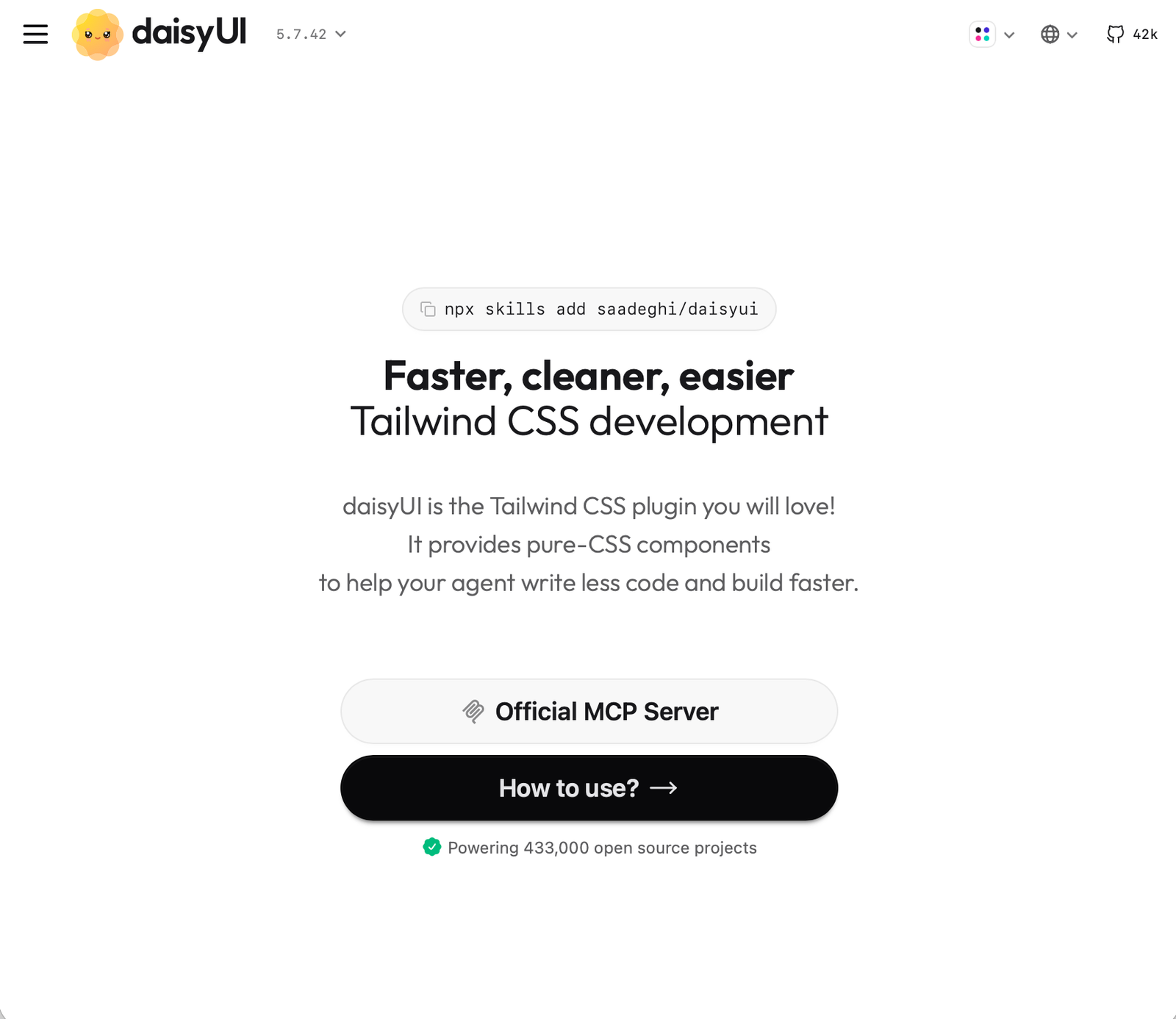
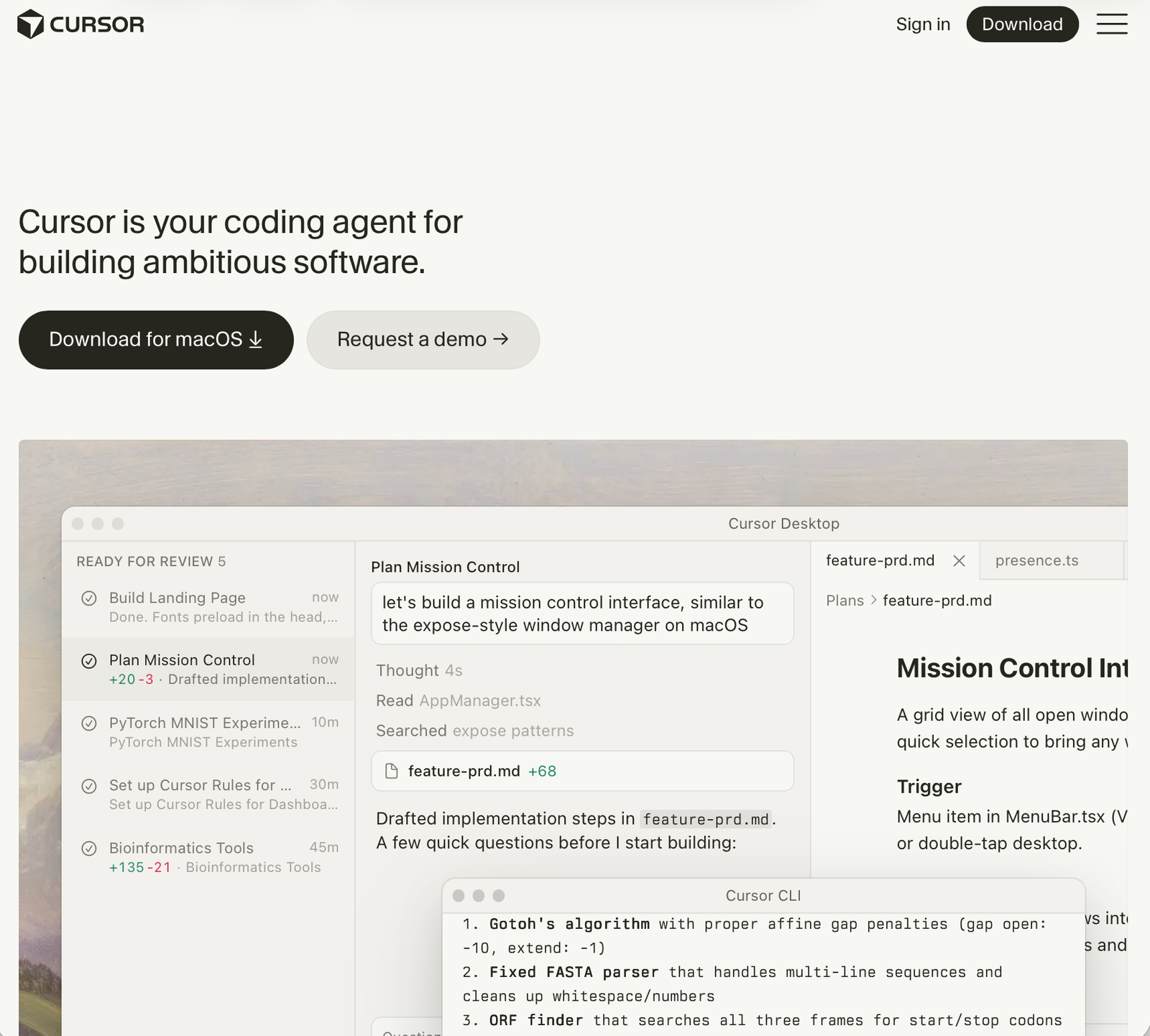
Those tools will help you to understand the whole process of development by using artificial intelligence as a support.
Effective AI tools for Developers
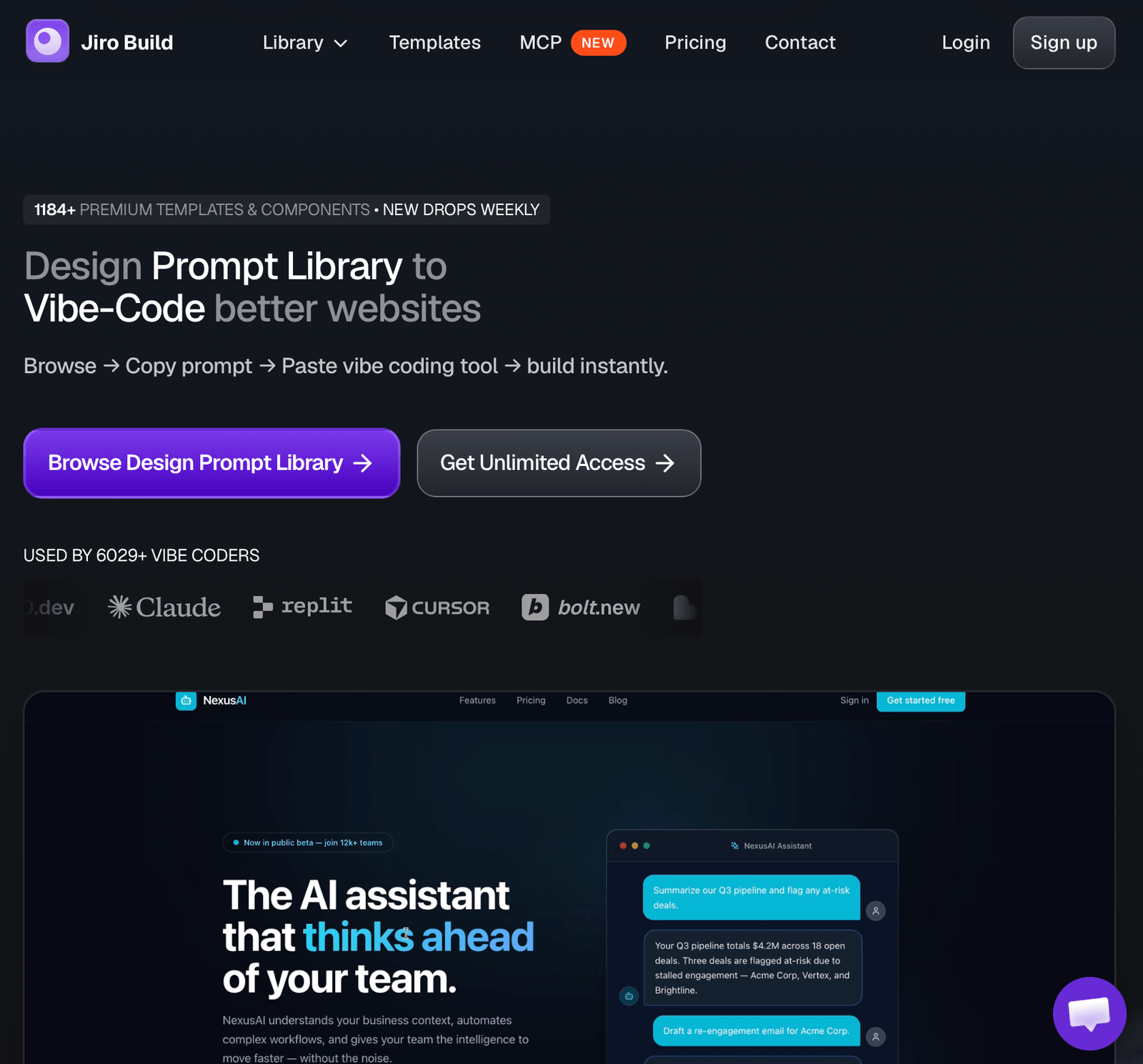
Jiro Build AI
The site offers a library of over 1,184 pre-built prompts and UI templates optimized for AI tools (e.g., Bolt, Lovable, v0). These eliminate tedious design and generic page layouts.
One Aida AI
The website offers hosting, domains, and the Aida AI website builder. It allows developers to build WordPress sites and deploy agents to VPS servers with a single click.
Those articles will help you to understand the whole process of programming design and using artificial intelligence.
Articles about how AI is changing programming workflow

Automation AI
Ipsum dolor sit amet, consectetur adipiscing elit. Ut elit tellus, luctus nec ullamcorper mattis, pulvinar.

Analytics & Insights
Ipsum dolor sit amet, consectetur adipiscing elit. Ut elit tellus, luctus nec ullamcorper mattis, pulvinar.

Cloud Infastructure
Ipsum dolor sit amet, consectetur adipiscing elit. Ut elit tellus, luctus nec ullamcorper mattis, pulvinar.

Fast & Secure Platform
Ipsum dolor sit amet, consectetur adipiscing elit. Ut elit tellus, luctus nec ullamcorper mattis, pulvinar.

Worth To Read And Learn
Tips: How to squeeze out 100% of AI ?
AI has revolutionized the way we write code in React, TypeScript, and Python. Language models demonstrate tremendous productivity in these technologies due to the billions of lines of source code available in their training databases. However, generic prompts often generate outdated design patterns, ignore clean typing, or introduce performance bottlenecks.
- Use Markdown to describe context. Separate source code from the tool using triple quotes (“`) and define the expected output format in detail (e.g., JSON).
- Implement the Few-Shot Prompting principle. Before asking the model to generate a complex function, provide the model with one or two examples of well-written code from your project.
- Enforce “Chain of Thought.” Ask the AI ​​to describe the algorithm in points before generating the actual code—this reduces the risk of logical errors by nearly 30%.
FAQ – Frequently Asked Questions About AI Codding
This depends on the tool's privacy settings. When using enterprise or local models (e.g., Ollama with Llama 3), your data and source code are not used to train public models. Always check the provider's privacy policy.
The best approach is to provide up-to-date API documentation in the System Prompt. Models most often hallucinate when they lack knowledge of the latest library updates after their Knowledge Cutoff date.
These tools are excellent at generating repeatable components and mockups based on ready-made libraries (e.g., Tailwind, Shadcn). However, they don't replace a programmer when it comes to performance optimization, advanced state management, and deep backend integration.
Use the Few-Shot Prompting technique. Instead of saying "write tests for this function," give your model one existing test file written using pytest along with its mocked dependencies (unittest.mock), and then ask it to generate more using the same pattern.
Yes, as long as you provide it with the API response structure (e.g., a raw JSON object). LLM models flawlessly generate nested TypeScript interfaces and discriminated unions from the pasted JSON.
Block the tendency of LLM models to use any type. Always start the prompt with the instruction: "Write the component in TypeScript, define strict interfaces (interfaces/types) for props, and avoid type casting."
When generating backend code (e.g., Fast API, Django), models often mix synchronous and asynchronous functions. Explicitly mandate AI: "Use native async/await and the httpx library instead of synchronous requests."
