




AI Ecosystem with Tools that Transform Modern UX/UI Workflows

Shifting from Screen Creators to AI Trust Architects

Modern UX/UI designers advance their careers by mastering specialized AI toolkits that streamline the shift from static prototyping to building functional, trust-focused systems. Advanced platforms allows designers to optimize their daily work. To secure high-paying rates or top IT employment contracts, digital designers must upgrade their role from layout creators to strategic trust architects by implementing AI design.

Summary for Designers:
In the AI ​​era, the role of the UI/UX designer is shifting from designing static screens to designing trust protocols. By implementing the above patterns, you ensure your application becomes a secure and predictable business tool.

Effective AI tools for UX/UI Designers

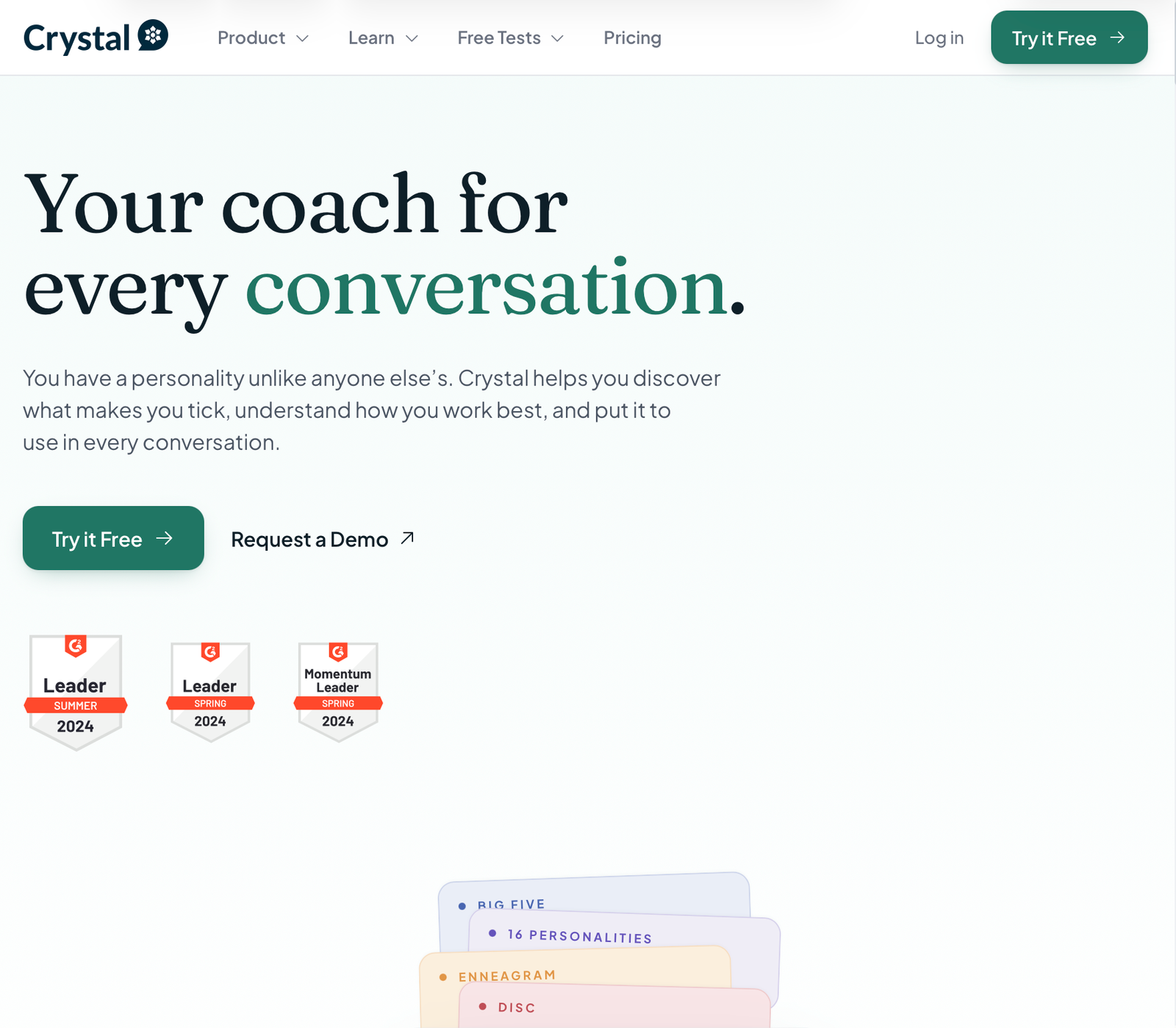
Crystalknows

Zrzut ekranu 2026-09-7 o 19.13.40

It is an advanced analytical platform based on AI that is used to map personality profiles and adjust communication style. It provides powerful support in research and communication processes like deepening empathy map when creating Personas, User Interviews.

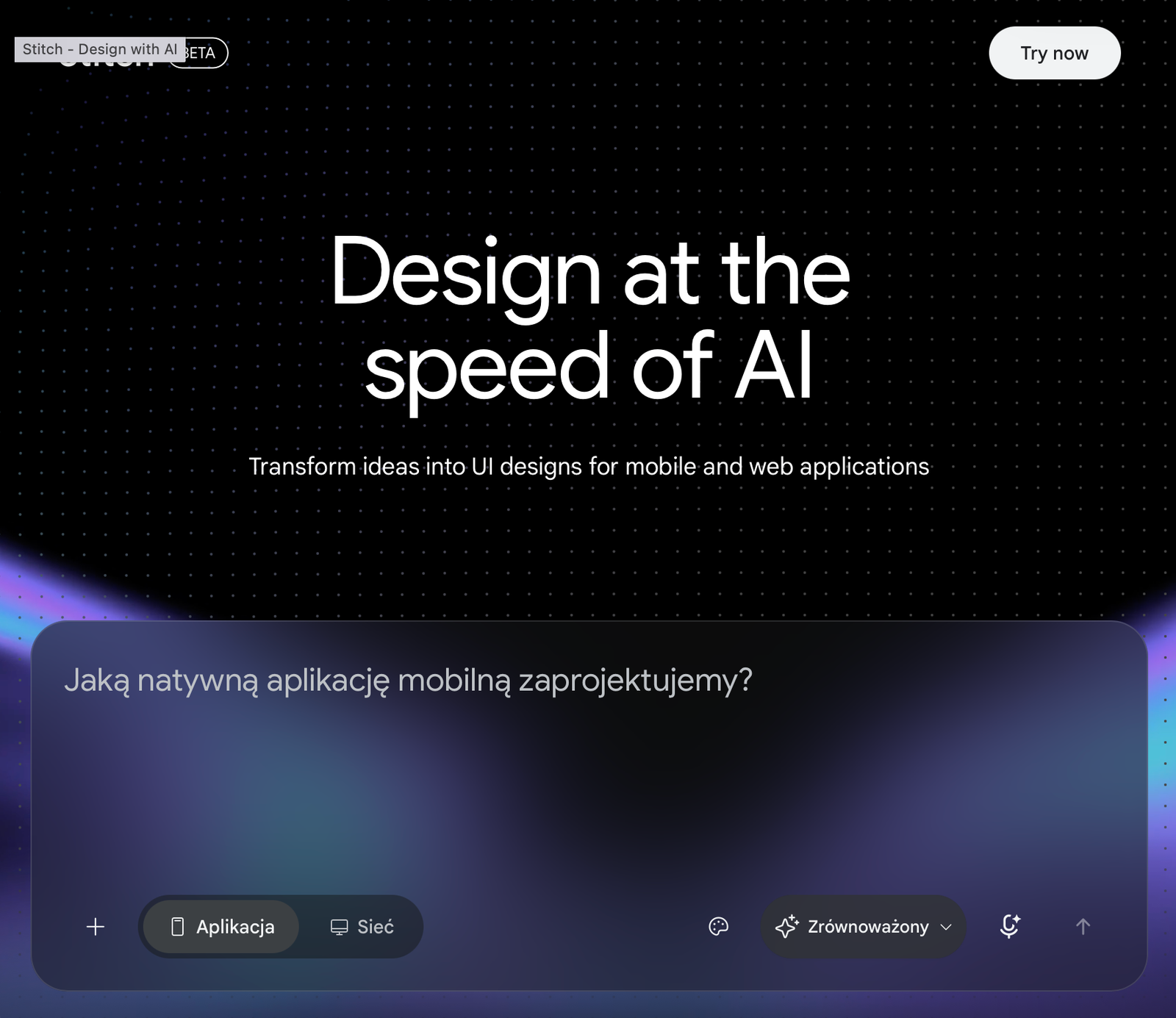
Stitch

Zrzut ekranu 2026-09-7 o 18.40.02

The platform is based on models from the Gemini family and allows you to quickly generate mockups of websites and mobile applications based on text descriptions, sketches, voice commands or screenshots. It offers interactive prototypes ready for export to code or Figma.

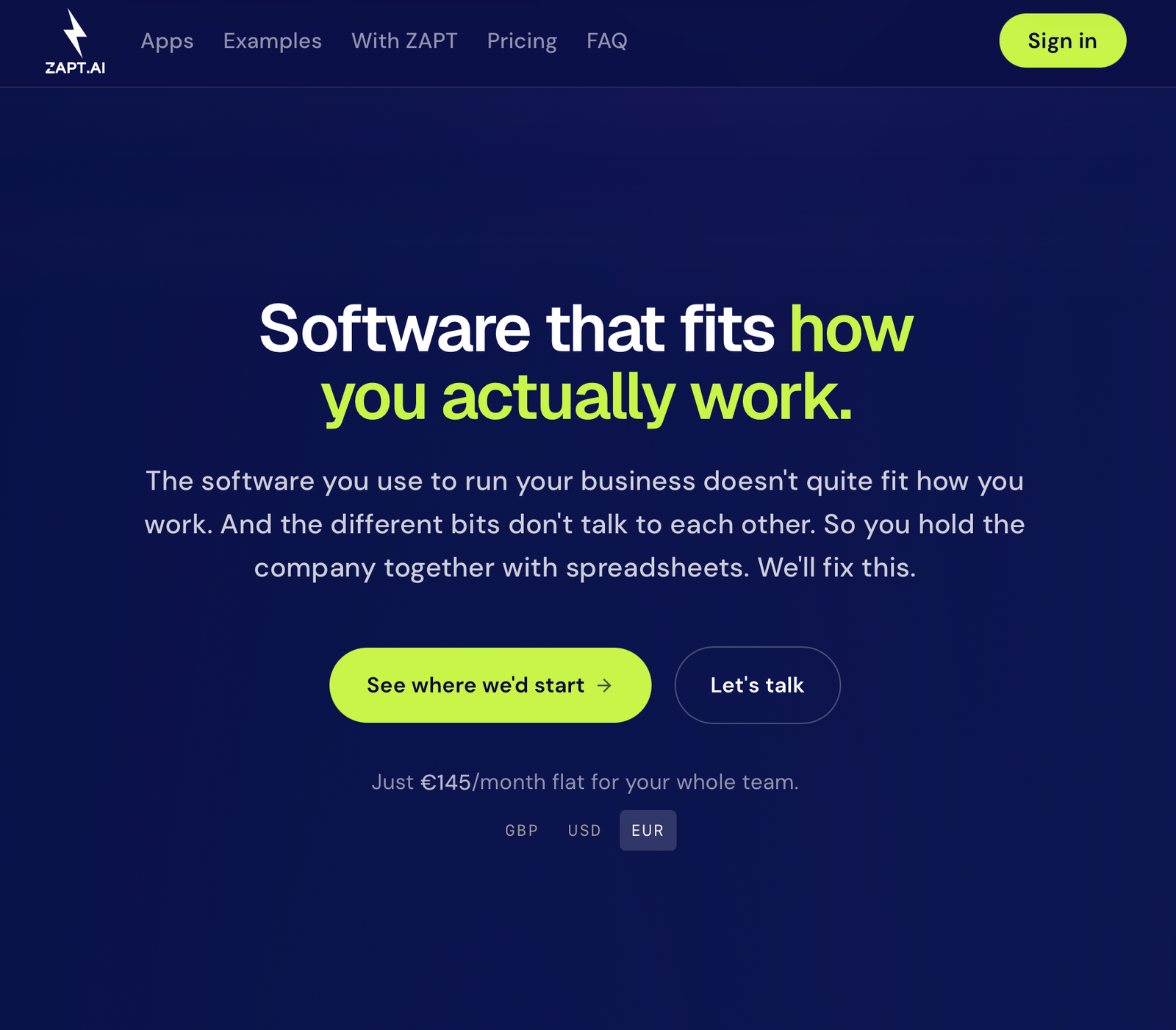
Zapt AI

Zrzut ekranu 2026-09-7 o 18.54.17

It is an advanced no-code/low-code platform powered by AI that allows you to quickly create, deploy, and modify fully functional web and mobile applications based on text descriptions. This platform is useful for creating high-fidelity functional prototypes for all Designers.

ChatGPT

Zrzut ekranu 2024-01-23 o 17.28.11

It is an advanced analytical platform based on AI that is used to map personality profiles and adjust communication style. It provides powerful support in research and communication processes like deepening empathy map when creating Personas, User Interviews. It is a very helpful tool for all UX/UI Designers.

Perplexity

Zrzut ekranu 2024-01-24 o 10.53.45

It is an innovative conversational search engine based on advanced LLM models. It acts as an “answer engine” that crawls the web in real time, generating precise summaries with direct annotations and links to sources. Tool helps designers research, provide, analyze visual trends and user behaviours. Main tool for ux/iu.

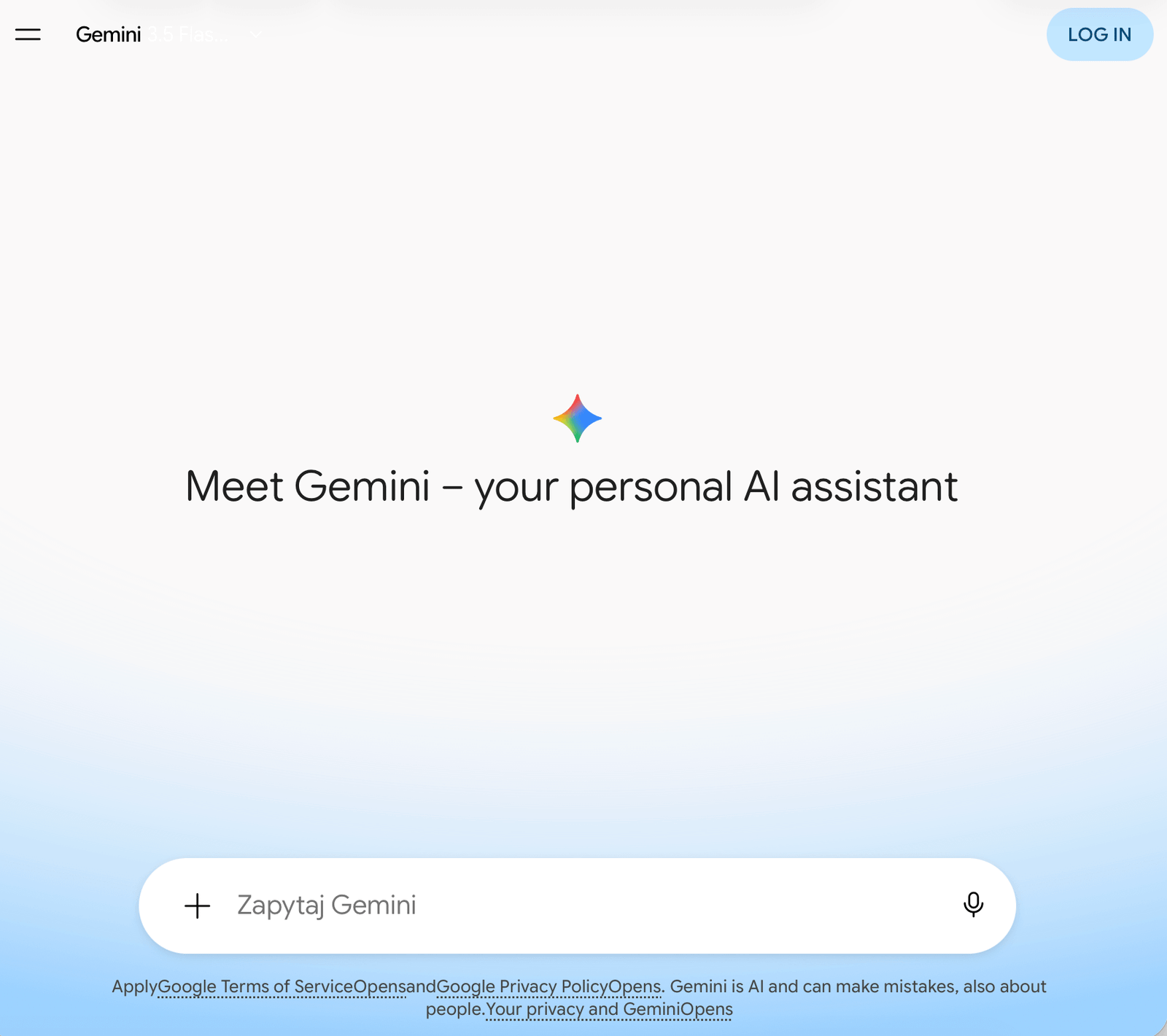
Gemini

Zrzut ekranu 2026-09-12 o 13.41.28

It is Google’s flagship conversational platform, powered by an advanced, natively multimodal family of AI models. The system can simultaneously process, combine and analyze text, code, images, audio and video. Unique architecture and deep integration with the Google ecosystem, this tool improves key design processes.

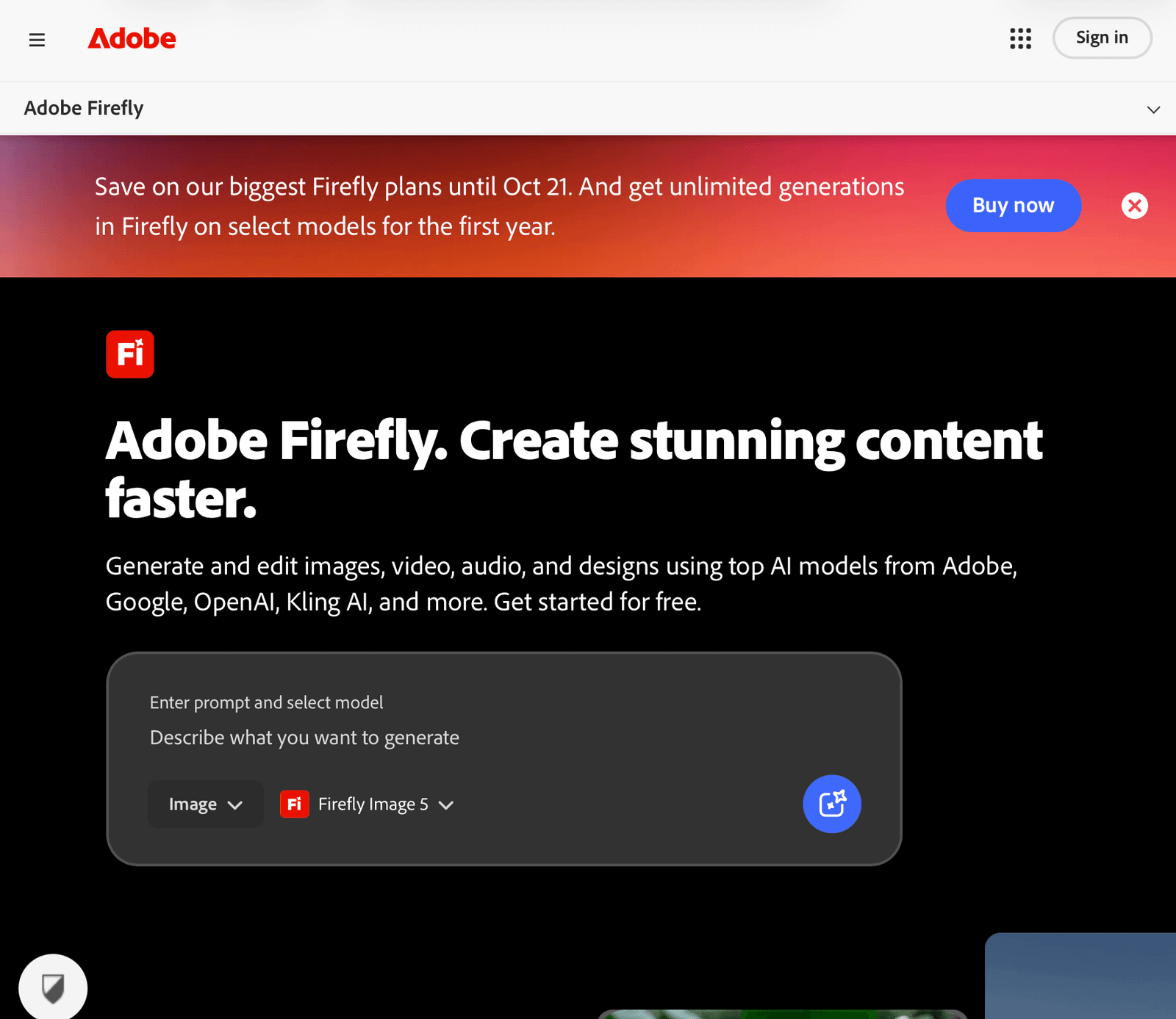
Adobe Firefly

Zrzut ekranu 2026-09-12 o 13.02.57

It is Adobe’s versatile, creative AI studio for commercially safe generation and editing of images, vectors, text effects, video and audio. The platform integrates proprietary models with leading partner solutions (e.g. Google Gemini, OpenAI, FLUX or Runway)

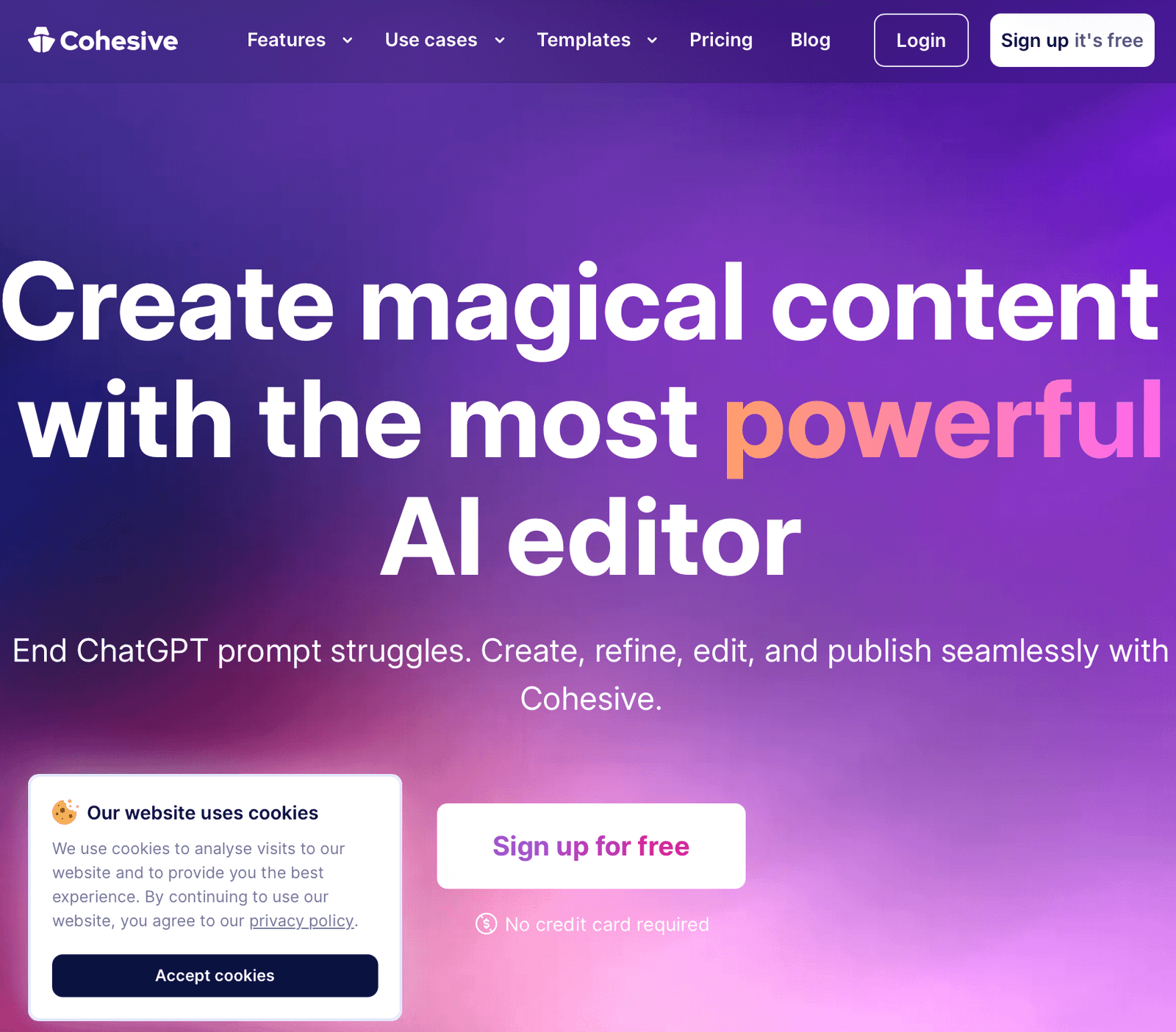
Cohesive

Zrzut ekranu 2026-09-12 o 13.24.55

It is a powerful, intuitive AI tool which has text editor designed to eliminate the issue of writing prompts. It offers over 200 pre-built templates and real team collaboration focused on marketing and sales. UX designers can generate texts that stimulate conversion.

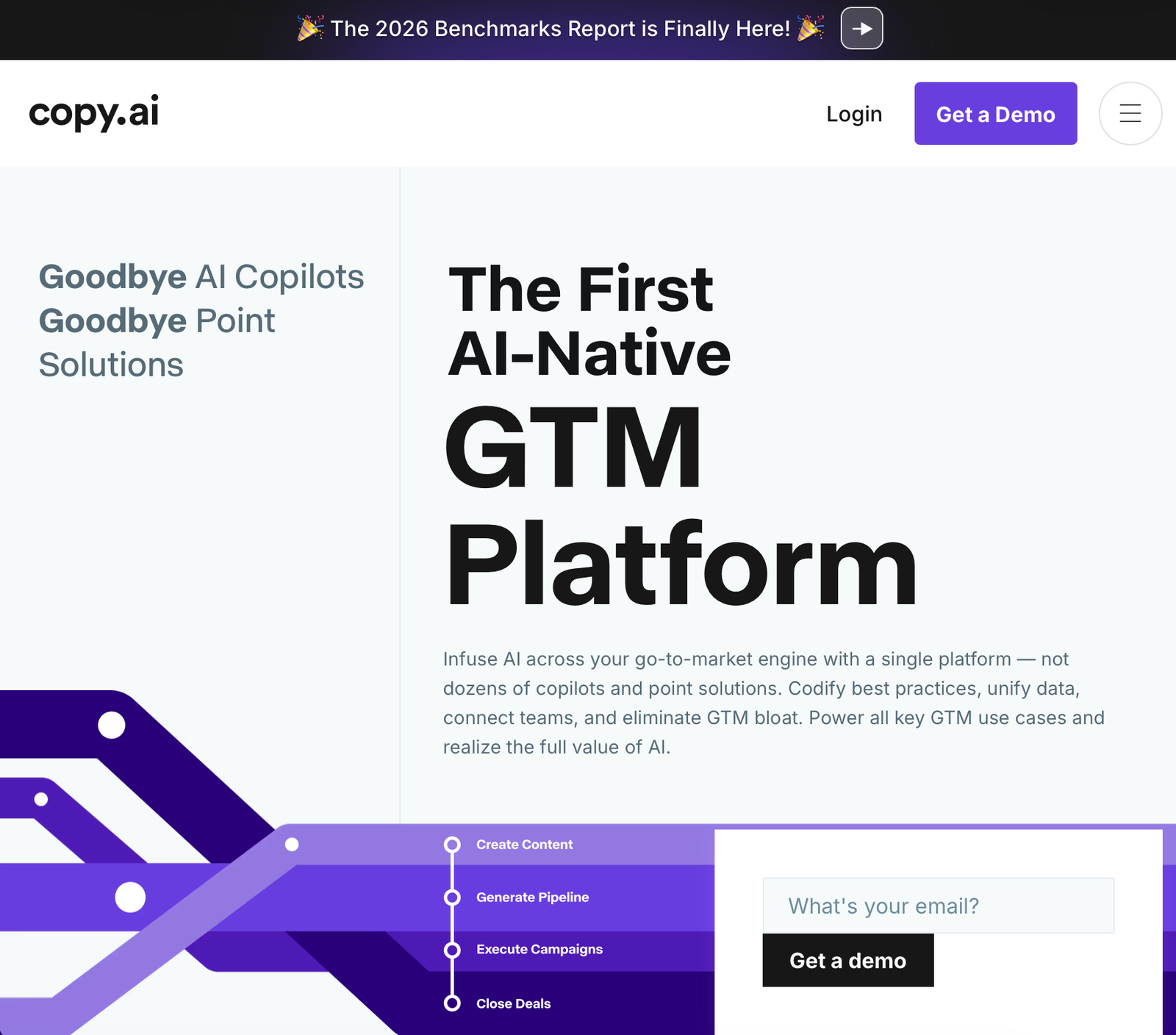
Copy AI

Zrzut ekranu 2026-09-12 o 12.53.45

The platform is designed for business teams and brings enormous value to design processes. The tool allows users to understand and map business automation. UX designers can more easily design interfaces for complex operational panels, CRM systems.

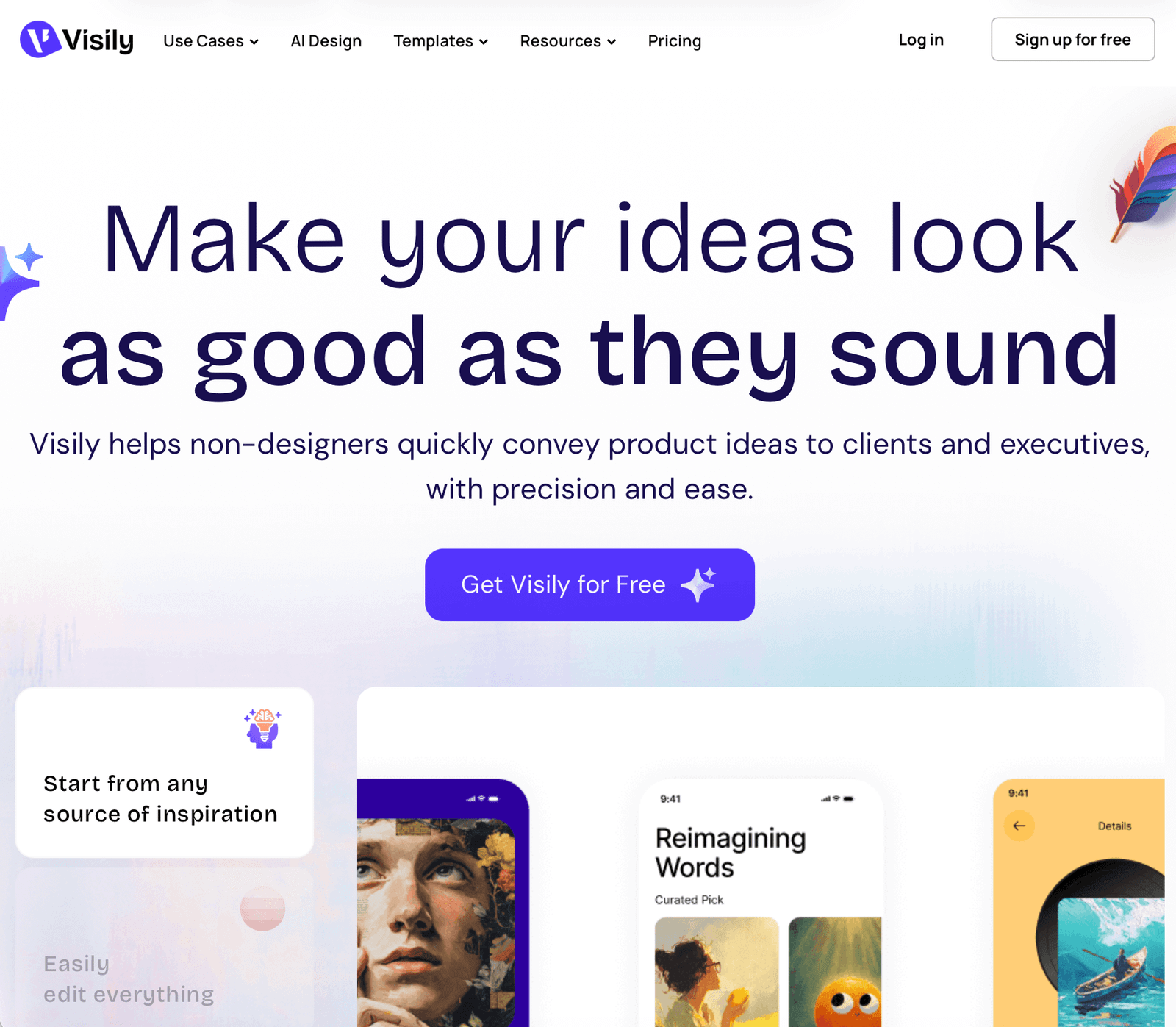
Visly

Zrzut ekranu 2026-09-12 o 13.55.14

It is software for designing interfaces supported by artificial intelligence, created especially for people who are not professional designers (e.g. product developers, startup founders). It enables instant creation of mock-ups, prototyping and team collaboration.

Uizard

Zrzut ekranu 2026-09-12 o 14.00.47

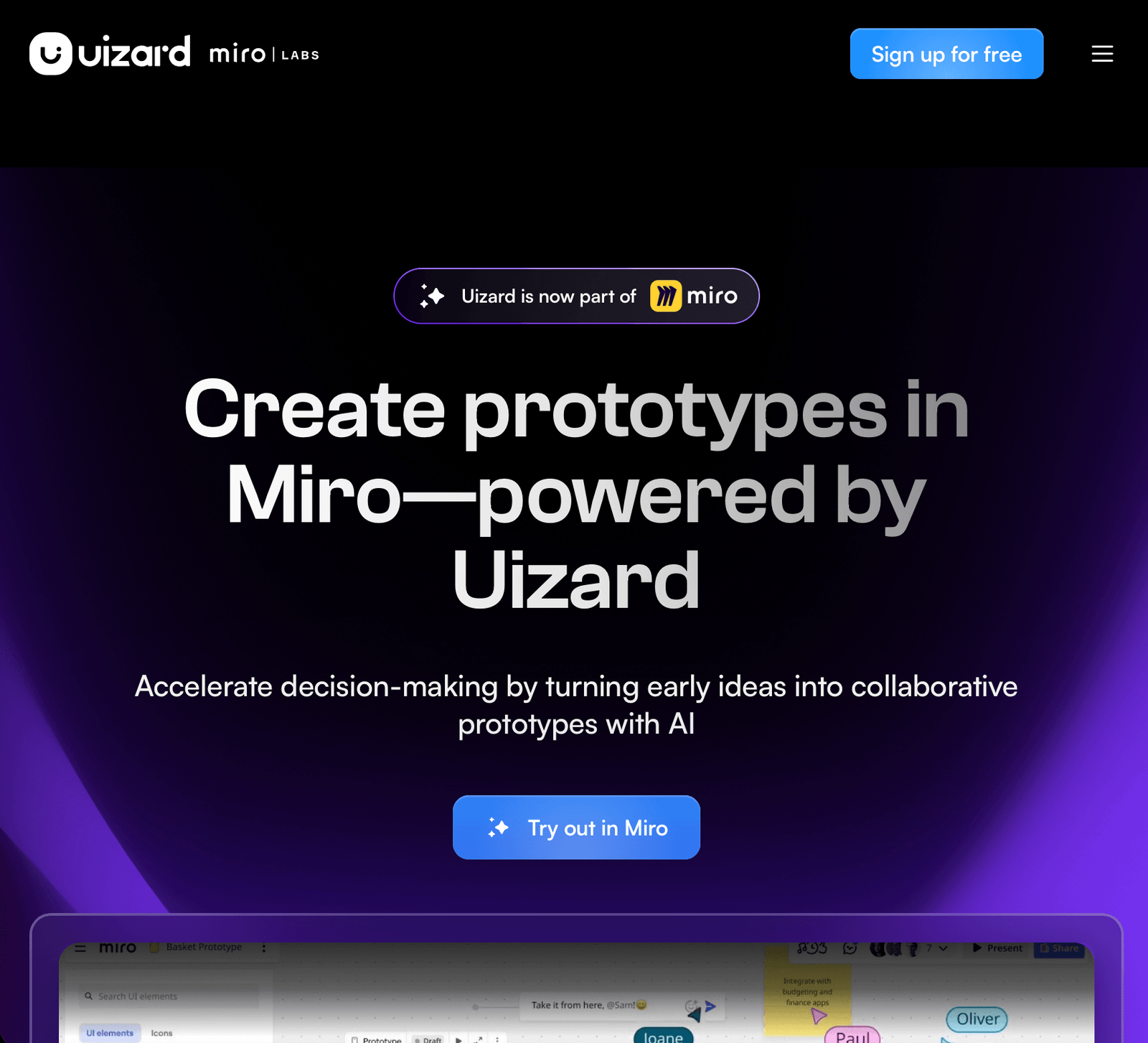
It is an intuitive AI-powered interface design platform that allows product teams to instantly generate editable mockups and clickable prototypes from text or graphics. Supports teamwork (cursor chat, comments) and has a dedicated plugin for Figma.

UIFaces

Zrzut ekranu 2026-09-24 o 09.38.23

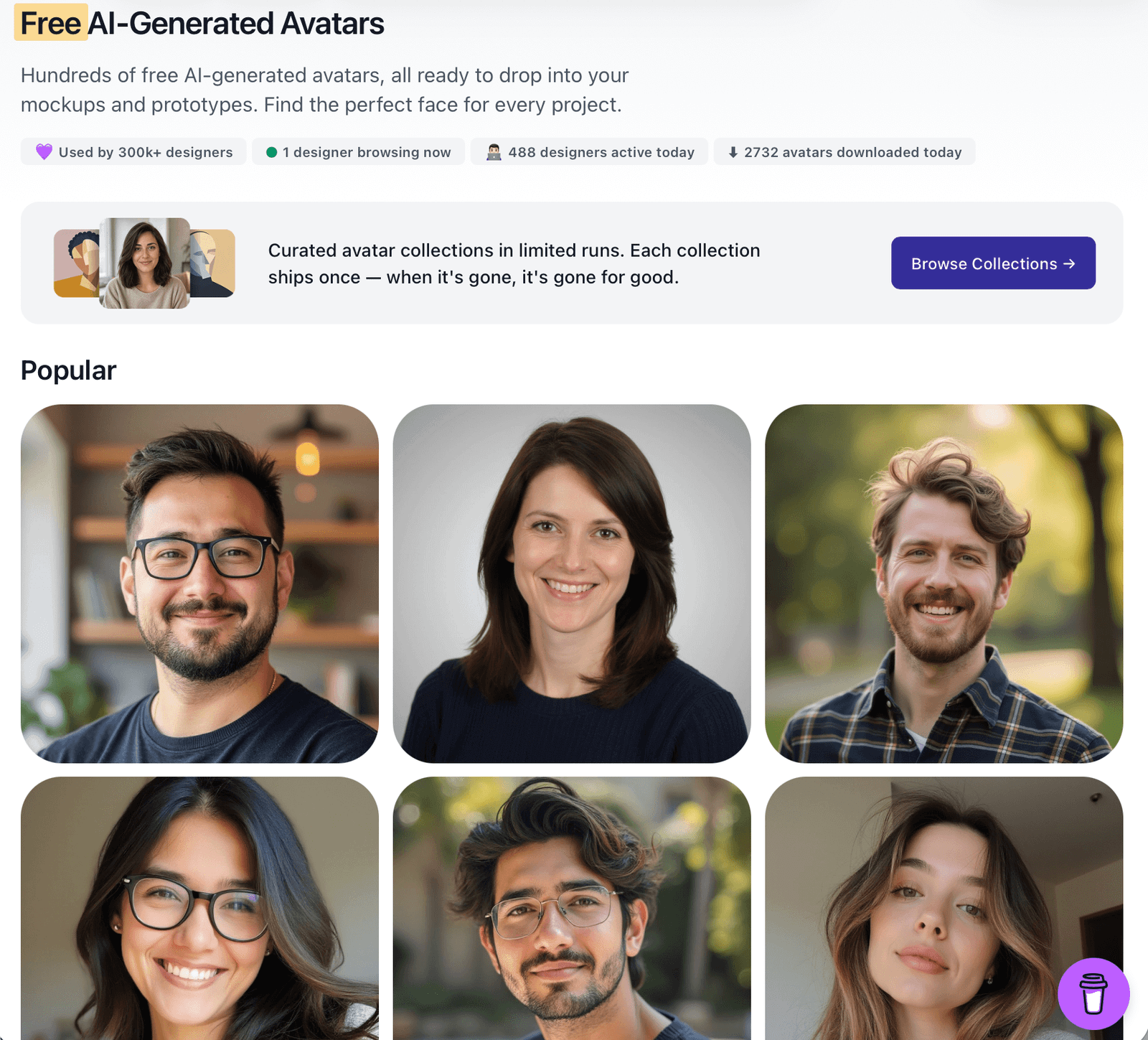
The UI Faces website offers hundreds of free, AI-generated avatars for mockups and prototypes. It offers categories like humans, aliens, and cartoons, as well as plugins for Figma and Adobe Express. Speeds up work on mockups and personas.

Productivity
work | in

Productivity and work organization. Tools that automate routine office tasks and facilitate knowledge management.

Notion AI

Zrzut ekranu 2026-09-20 o 17.37.41

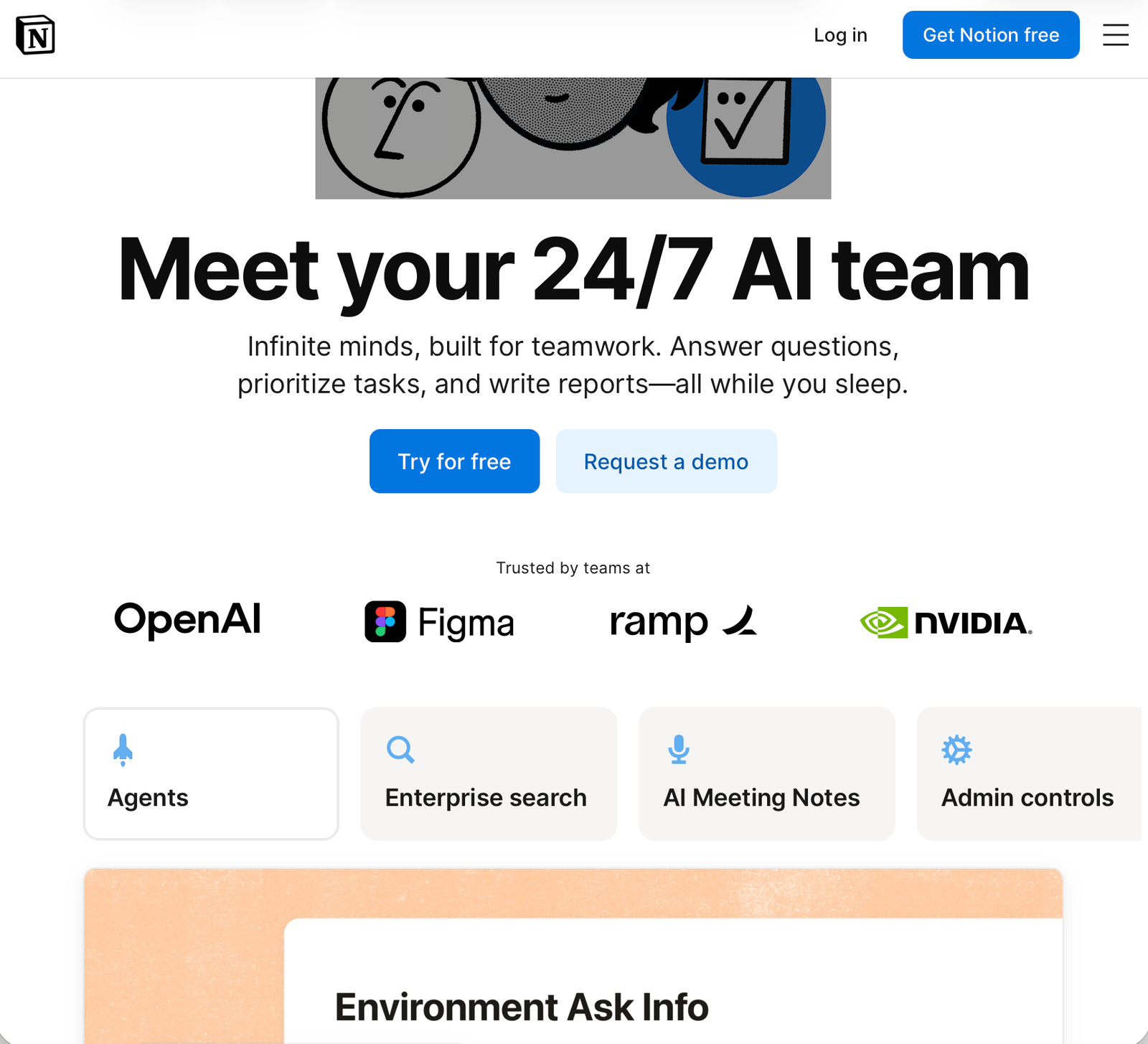
A brilliant tool for organizing notes, databases, and projects with a built-in assistant that can summarize entire pages and draw conclusions from them.

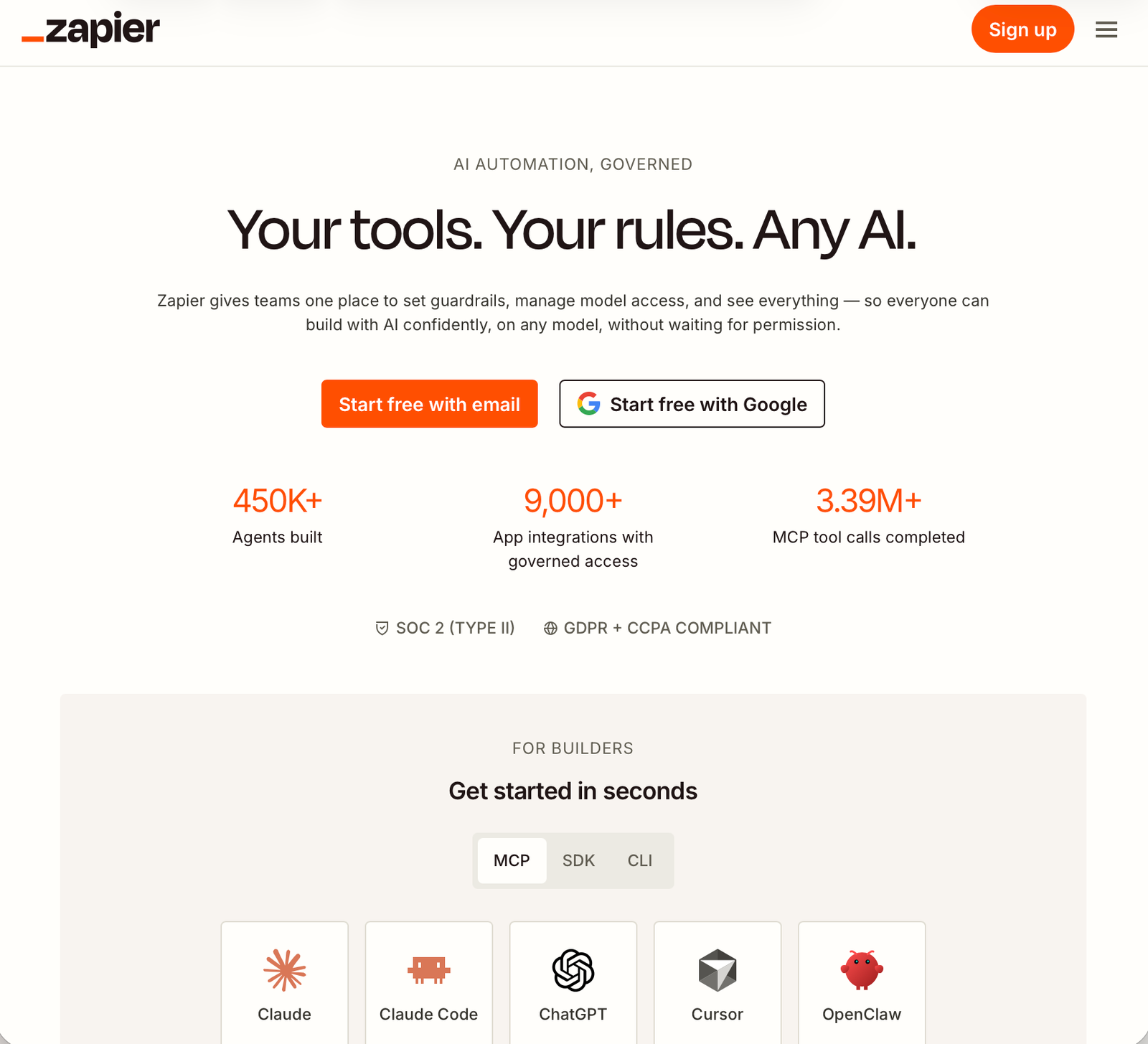
Zapier

Zrzut ekranu 2026-09-20 o 17.42.19

It allows you to create AI bots that connect various applications (e.g. “when I get an email from my boss, summarize it and send me a notification on Slack”).

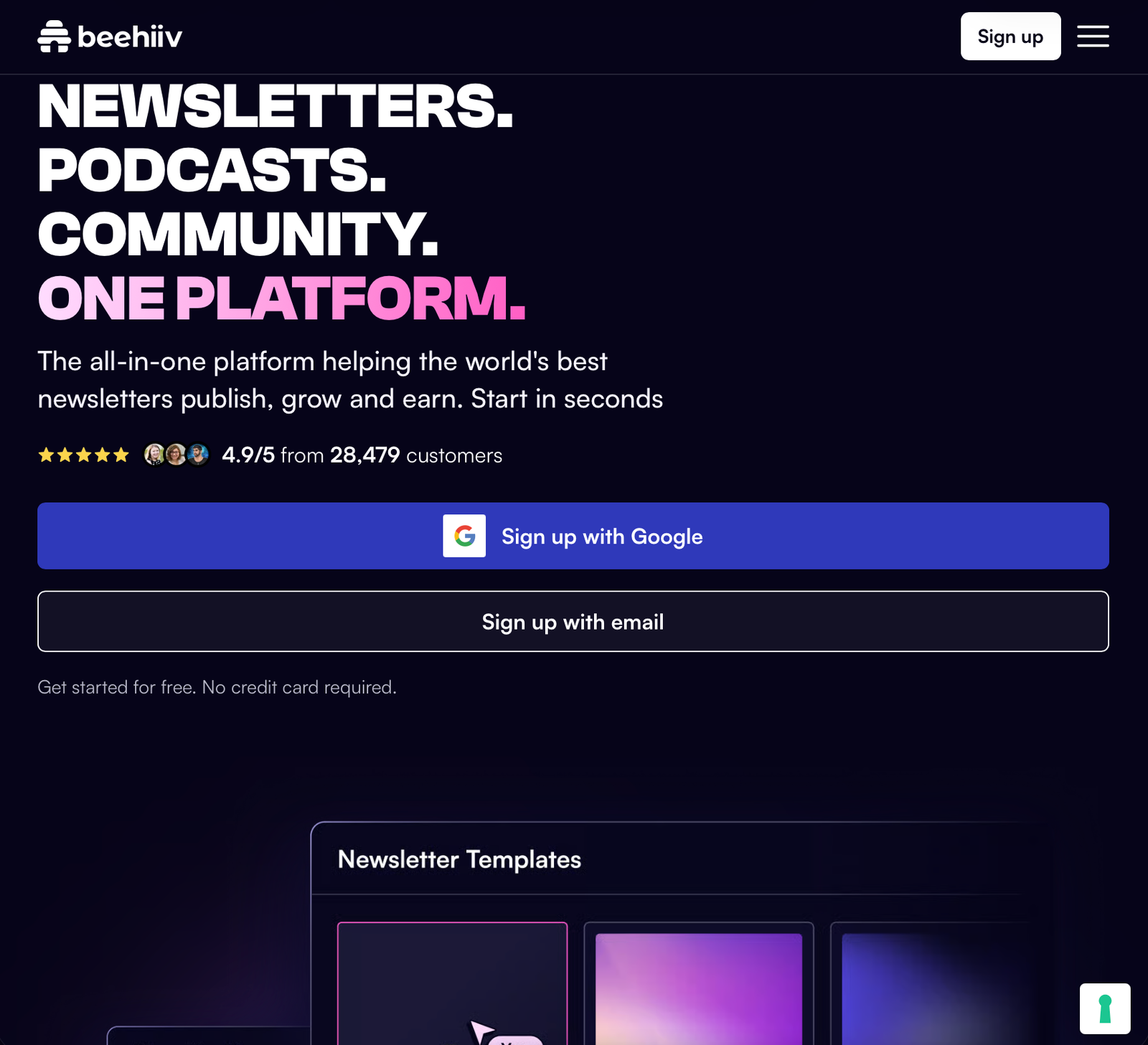
Beehiiv

Zrzut ekranu 2026-09-20 o 18.11.50

sample text

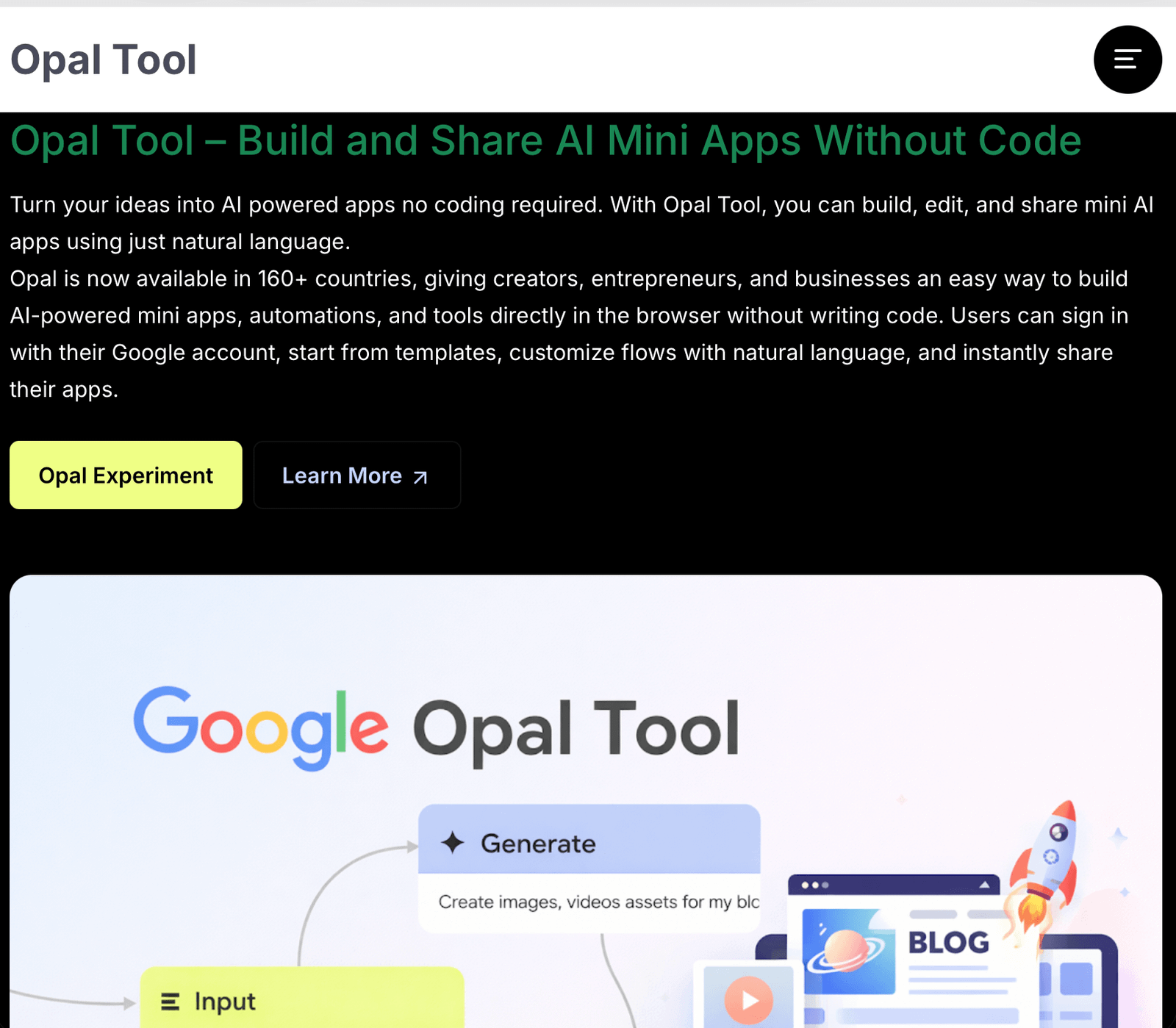
Google Opal

Zrzut ekranu 2026-10-10 o 12.21.43

This tool allows you to create mini-apps and AI automations using natural language. UX/UI Designers create a working, interactive prototype of an AI-powered app (Proof of Concept) on their own, without the involvement of developers, to quickly test the idea with users. Mapping of user paths (User Flows), builds visual data flow paths (workflows).

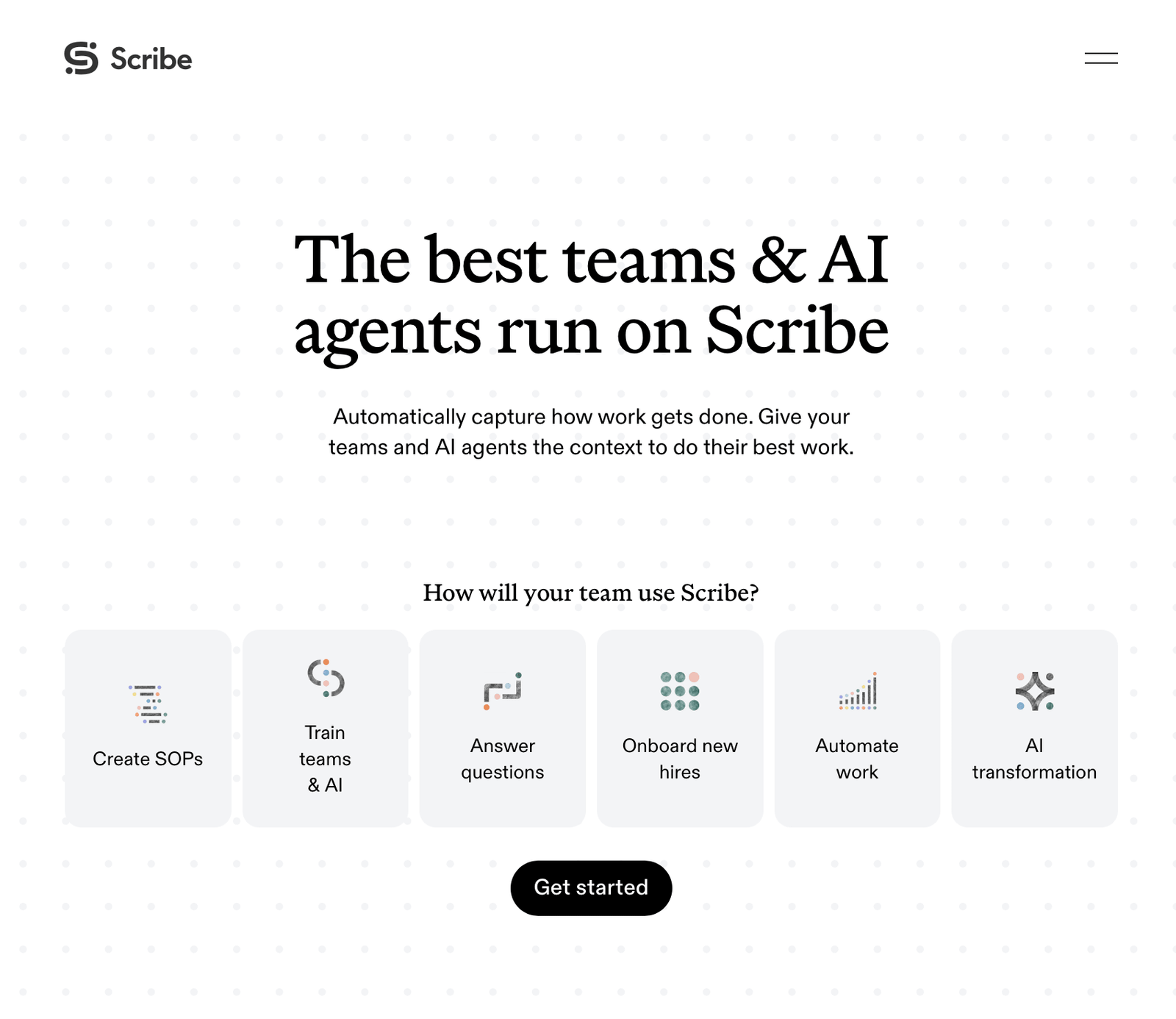
Scribe

Zrzut ekranu 2026-10-15 o 09.40.43

An advanced enterprise platform for automatically capturing, documenting and optimizing business processes. The tool allows you to effortlessly transform institutional knowledge into structured instructions, knowledge bases and contextual data ready to power teams and AI agents. Automatically records the steps a user takes while working.

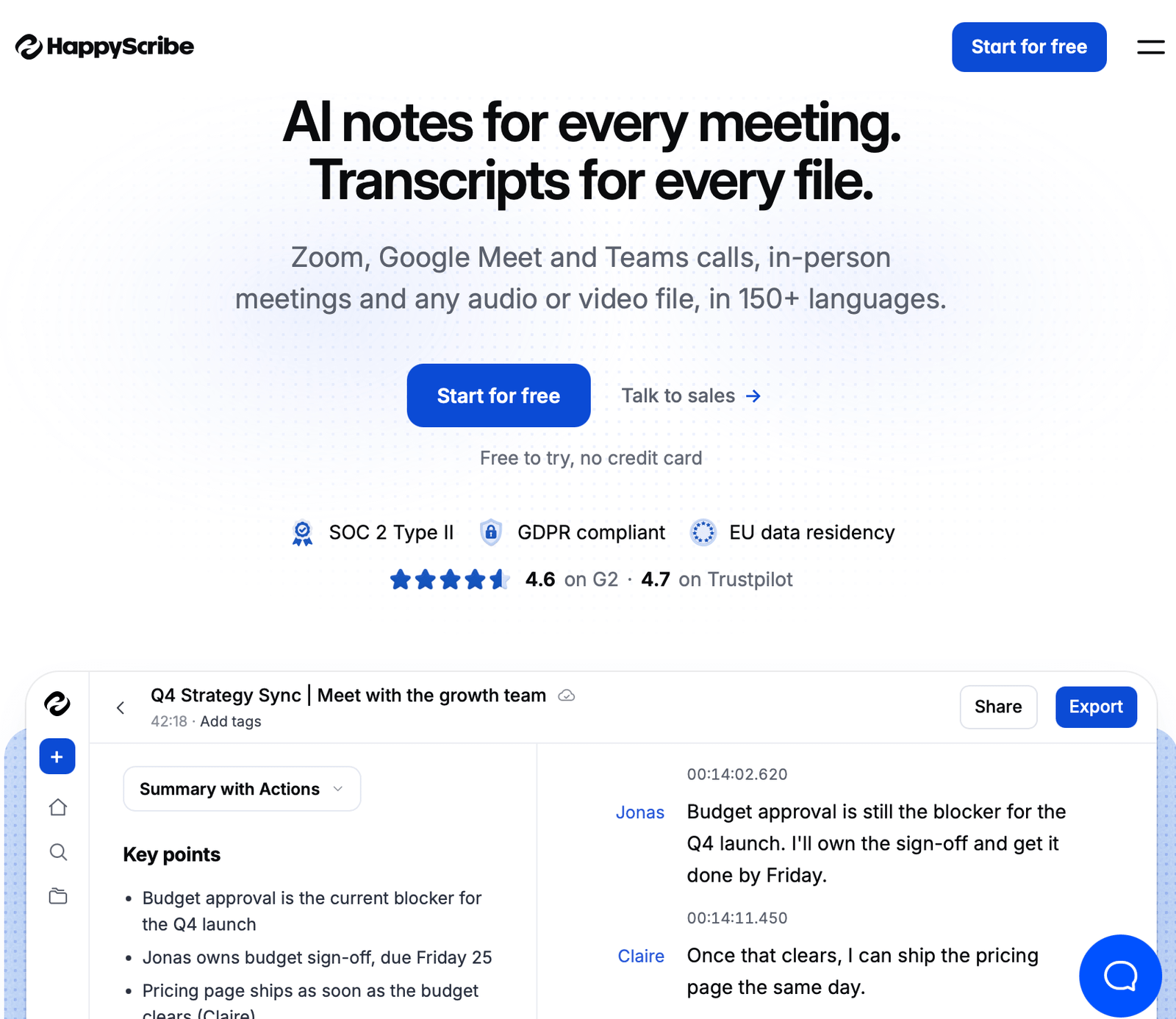
Happy Scribe

Zrzut ekranu 2026-10-20 o 16.49.01

sample text

sample

sample text

Education
analyse | in

Education and Knowledge Analysis section. Tools that facilitate learning, studying, and the rapid absorption of knowledge from thick books.

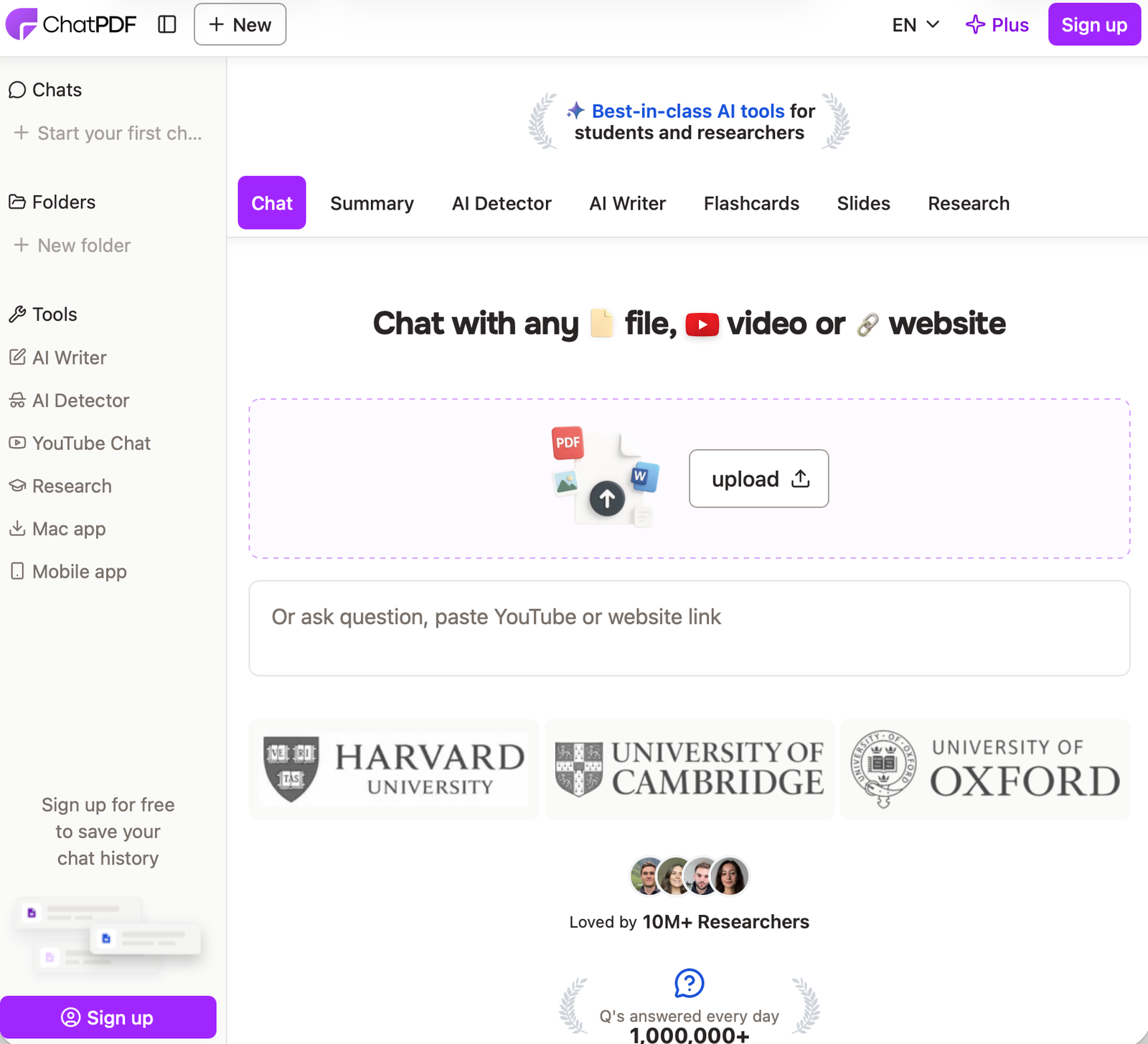
ChatPDF

Zrzut ekranu 2026-09-20 o 17.54.56

A simple online tool; you upload a long instruction manual or contract in PDF format and you can “talk” to the document, asking for an extract of the most important points.

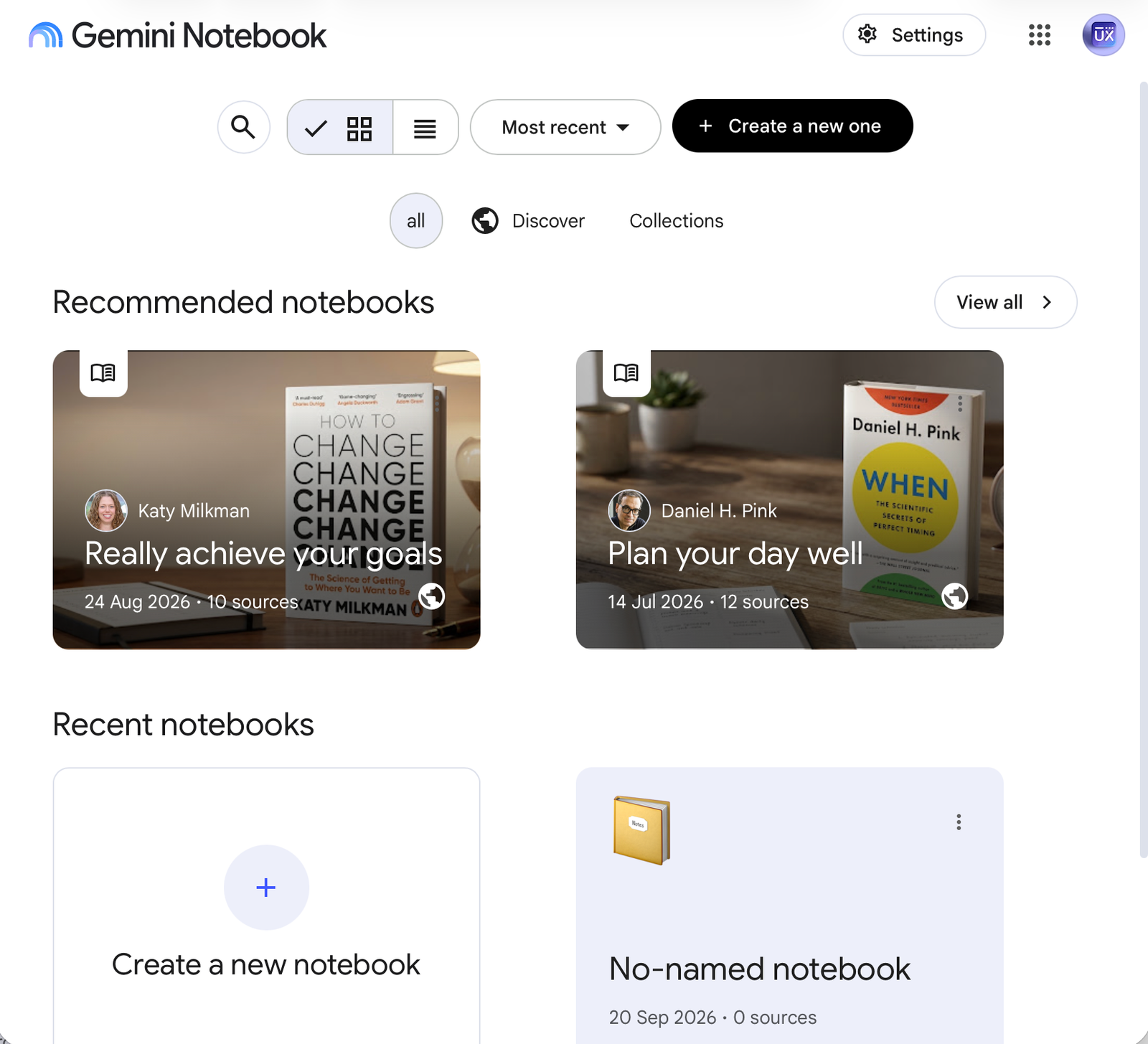
NotebookLM

Zrzut ekranu 2026-09-20 o 18.02.23

Your private researcher. You upload a dozen or so PDF documents, articles or links there, and the AI ​​becomes an expert in this knowledge – it answers questions and can even generate a podcast in which two presenters talk about your materials.

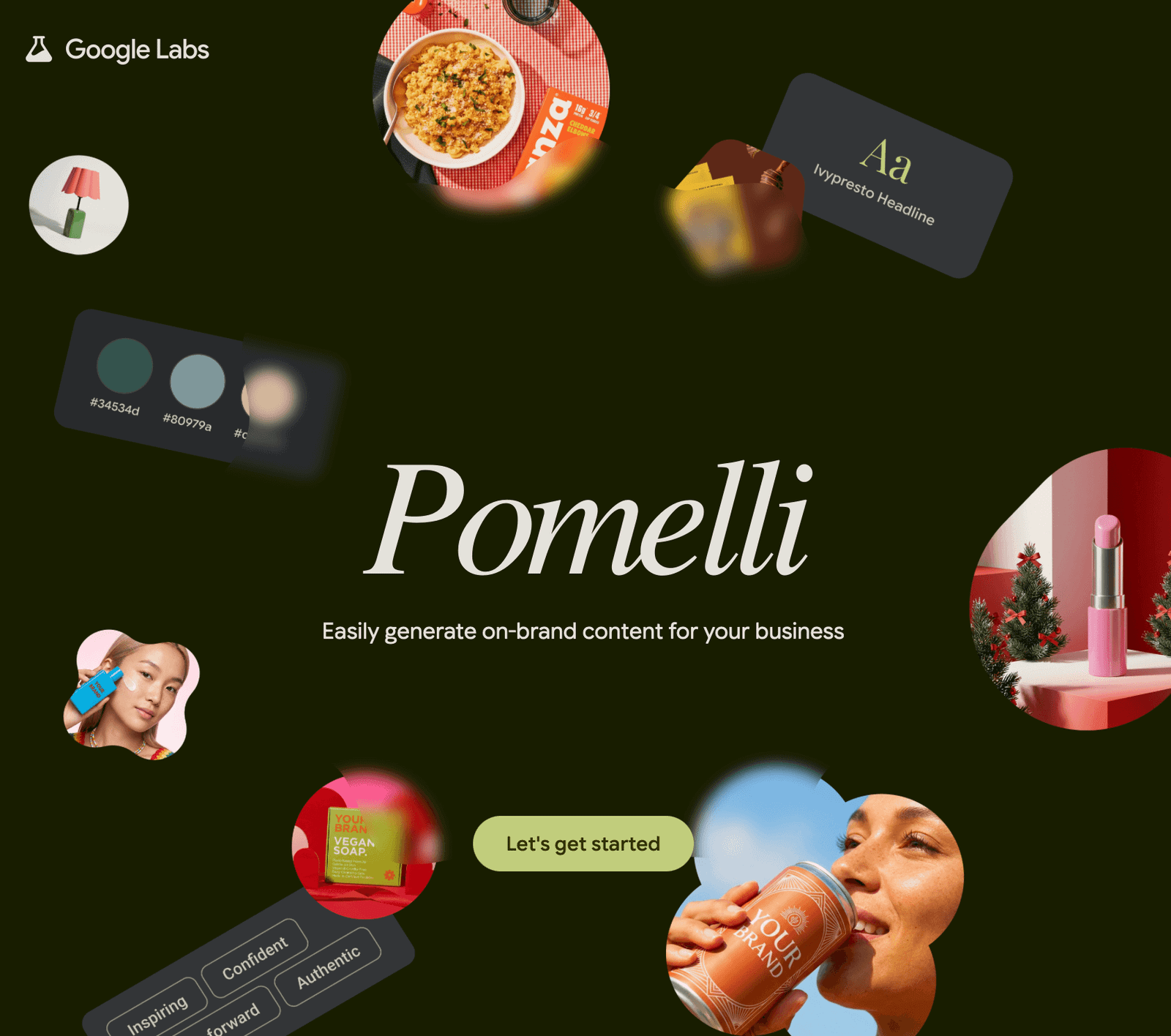
Pomelli

Zrzut ekranu 2026-10-10 o 12.02.19

It is a free AI tool from Google Labs that automatically analyzes websites and create visual identity (“business DNA”). It generates cohesive marketing materials, posts, brand books, and simple websites. Express research, rapid prototyping, generates visual concepts

Here are 3 proven design UX/UI patterns that reduce the effects of hallucinations and build trust in AI systems.

1. The Confidence Score Component

Never present AI data as absolute truth. If your system analyzes technical drawings, user experience documentation, or legal texts, include a visual indicator of the model's confidence level. How to design it: Next to the generated response, place a micro-component (example: a tag or small circular chart) indicating the system's confidence level: "AI Confidence: 94%. UX rule: If the confidence level drops below 75%, the interface should automatically change the warning colour (example: yellow) and add the message: "This detail requires human verification"

2. Visual Anchoring and Contextual Citations

The best way to prove that AI isn't lying is to show the user the source. How to design it: Instead of presenting dry text spat out by the model, design an interactive annotation system (similar to Wikipedia). Clicking the small source icon next to a generated sentence should immediately open a sidebar (split-screen) with the original PDF file, highlighting the exact line of code, building code, or contract paragraph from which the AI ​​derived its knowledge. UX principle: Transparency eliminates the fear of hallucinations. The user doesn't have to trust the model because they can verify it in 2 seconds.

3. Restricting Data Entry

Proactive Input Constraints means that most hallucinations are created when a user enters a chaotic, unclear prompt. A free text area is often the enemy of good UX. How to design it: Reduce the need to write advanced prompts. Design an interface based on filtering components, parameter sliders, and suggestion tiles. Add thematic tags. UX principle: Controlled input means controlled and safe output from the AI ​​engine.

Lorem ipsum dolos ave nita

Lorem ipsum dolos ave nita

Lorem ipsum dolos ave nita